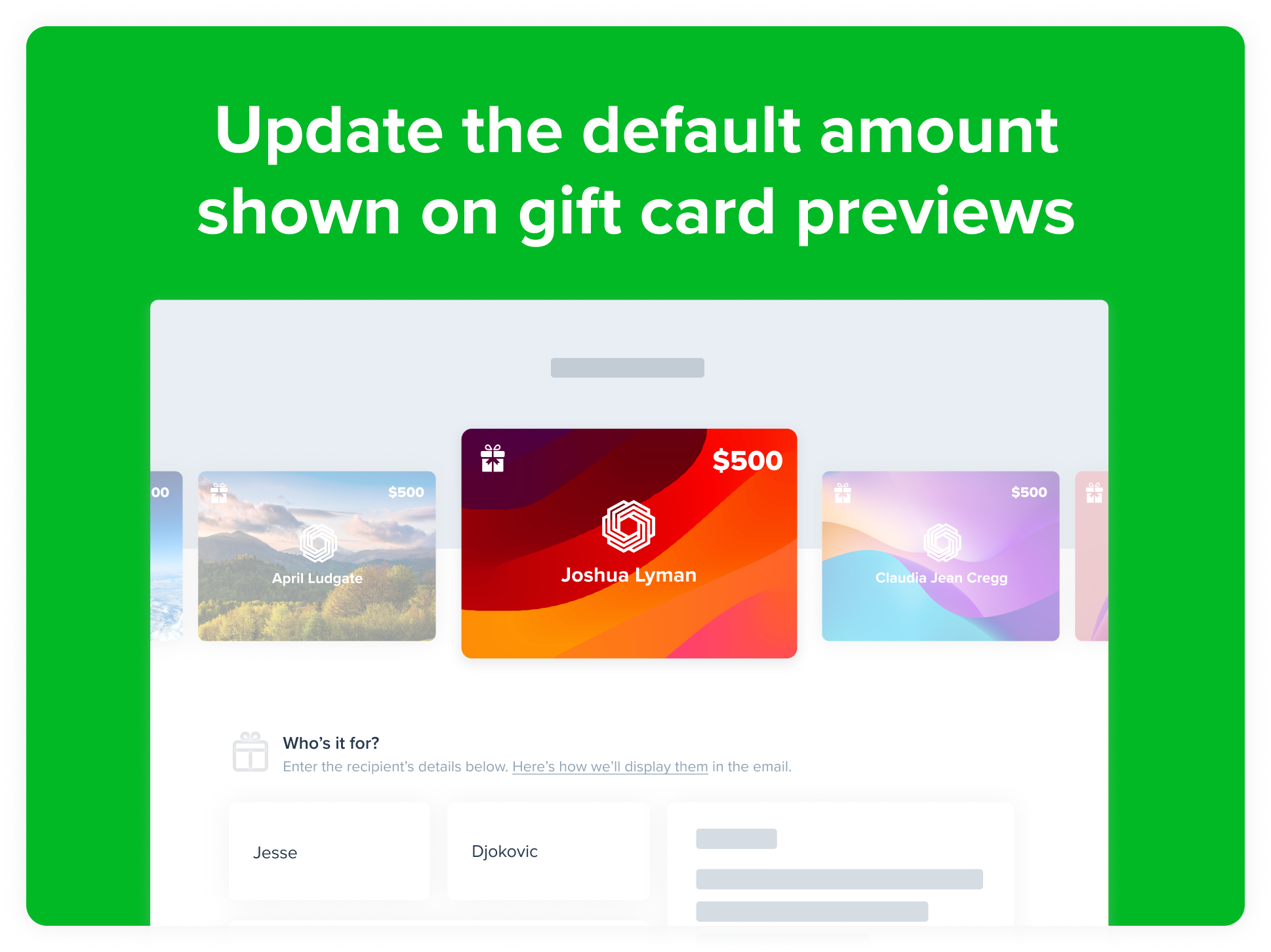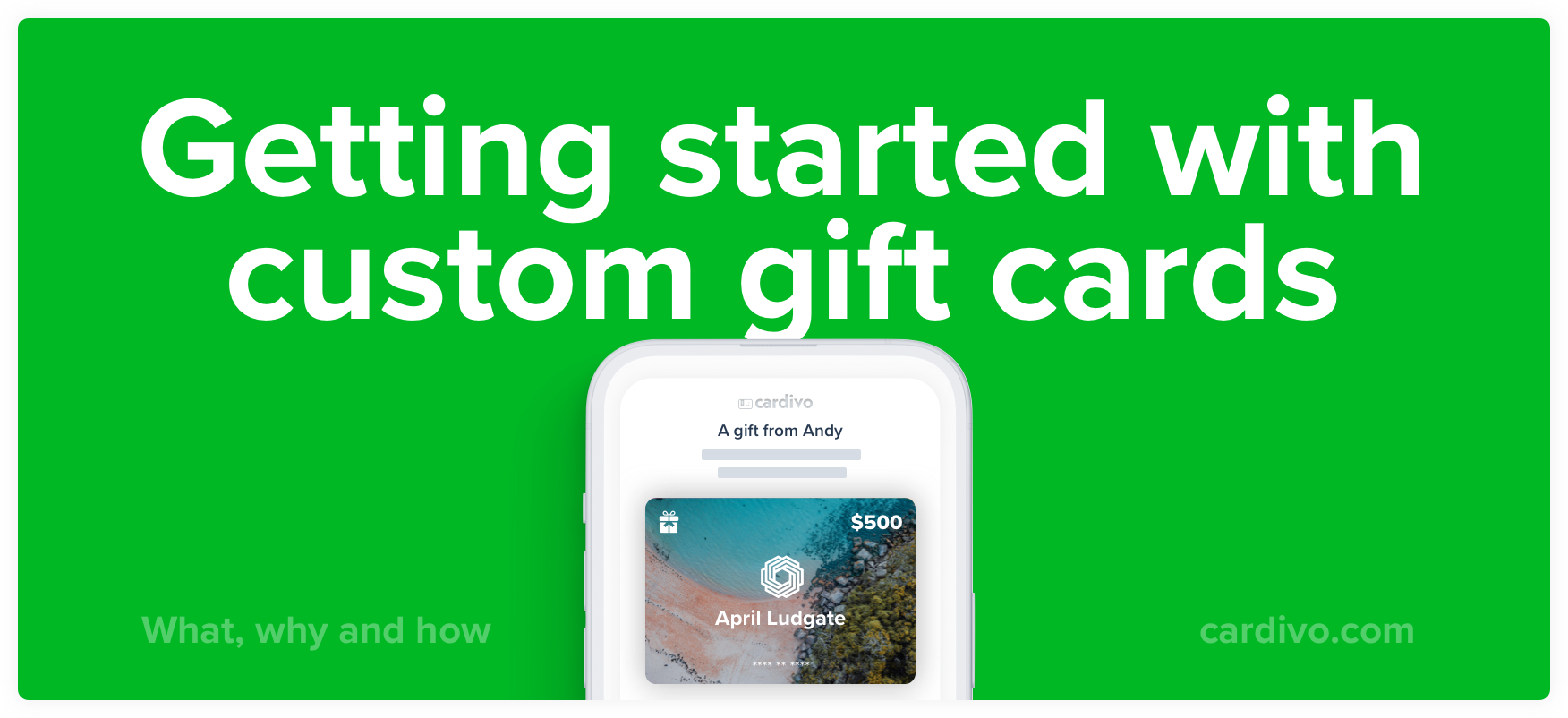
Want to offer your own custom gift cards for your business? With Cardivo you can add your logo, upload your own designs, and start selling branded digital gift cards in minutes. Get paid upfront, win new customers, and skip the plastic, printing, and POS hardware. No fixed fees, no code, no credit card needed.
Try it free (no credit card needed), or read on to see how it works.
Make them yours: fully custom, branded gift cards
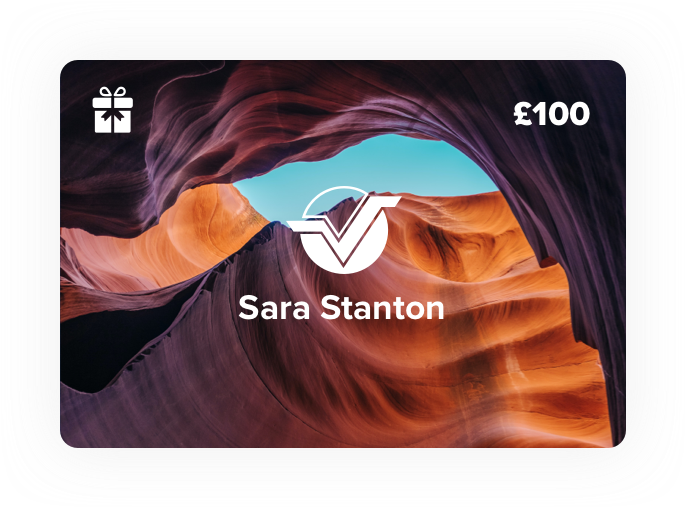
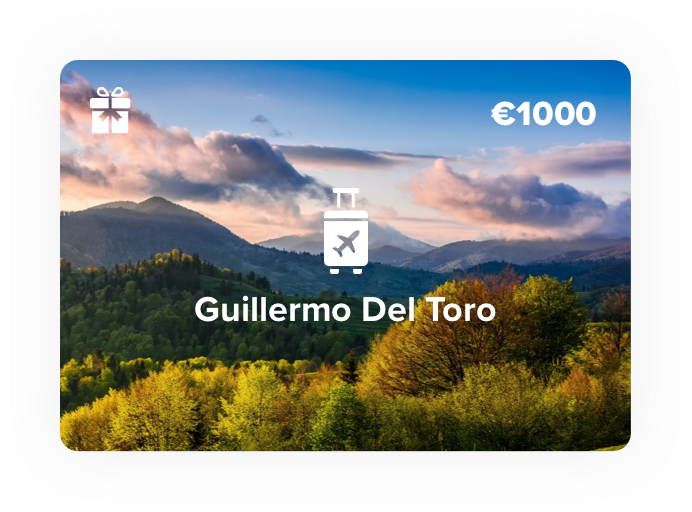
The whole point of a custom gift card is that it looks like yours, not a generic prepaid card with a logo slapped on top. With Cardivo you can:
- Add your logo and branding to every gift card
- Upload up to 20 of your own custom designs, or use our beautiful default ones
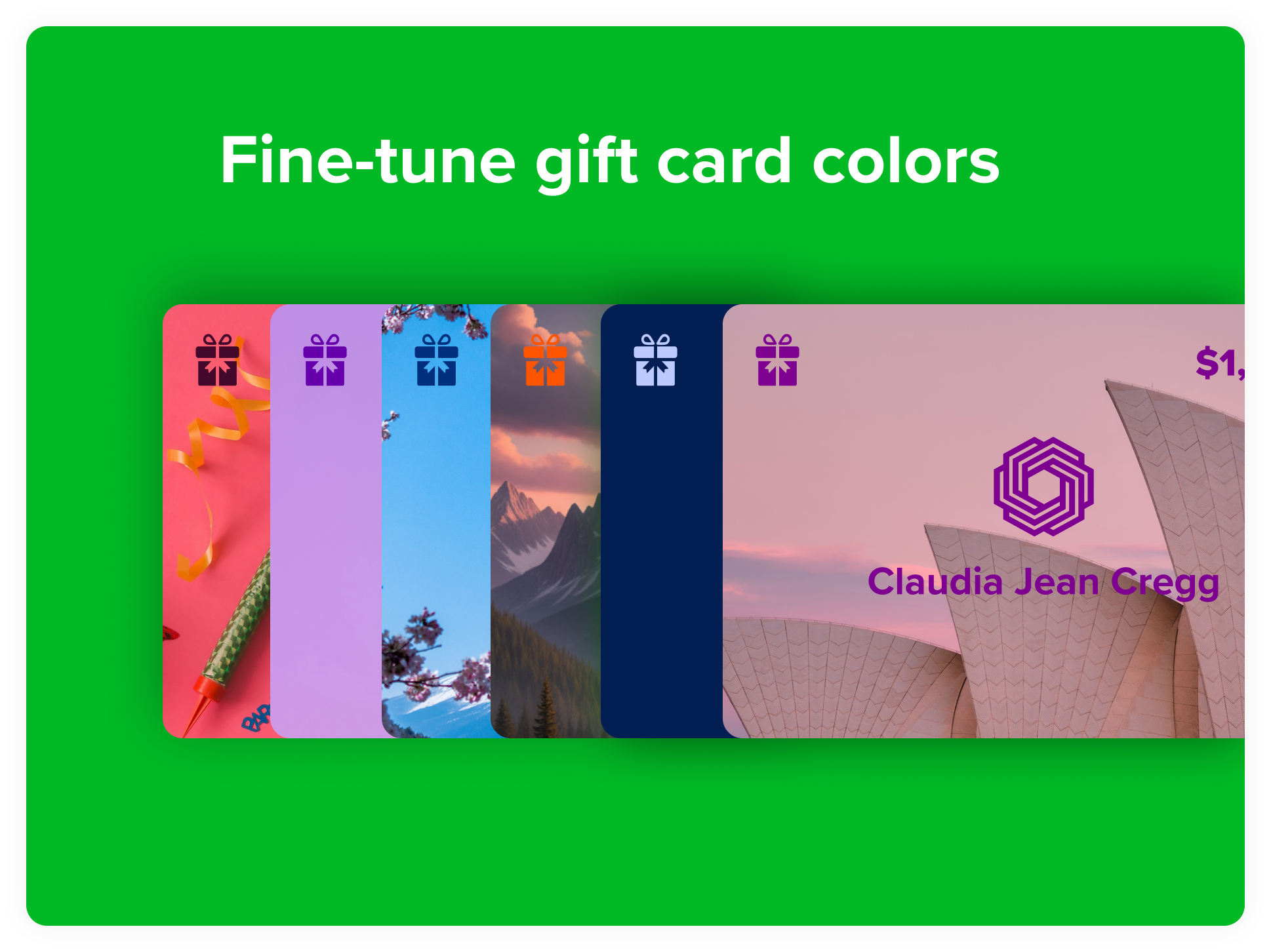
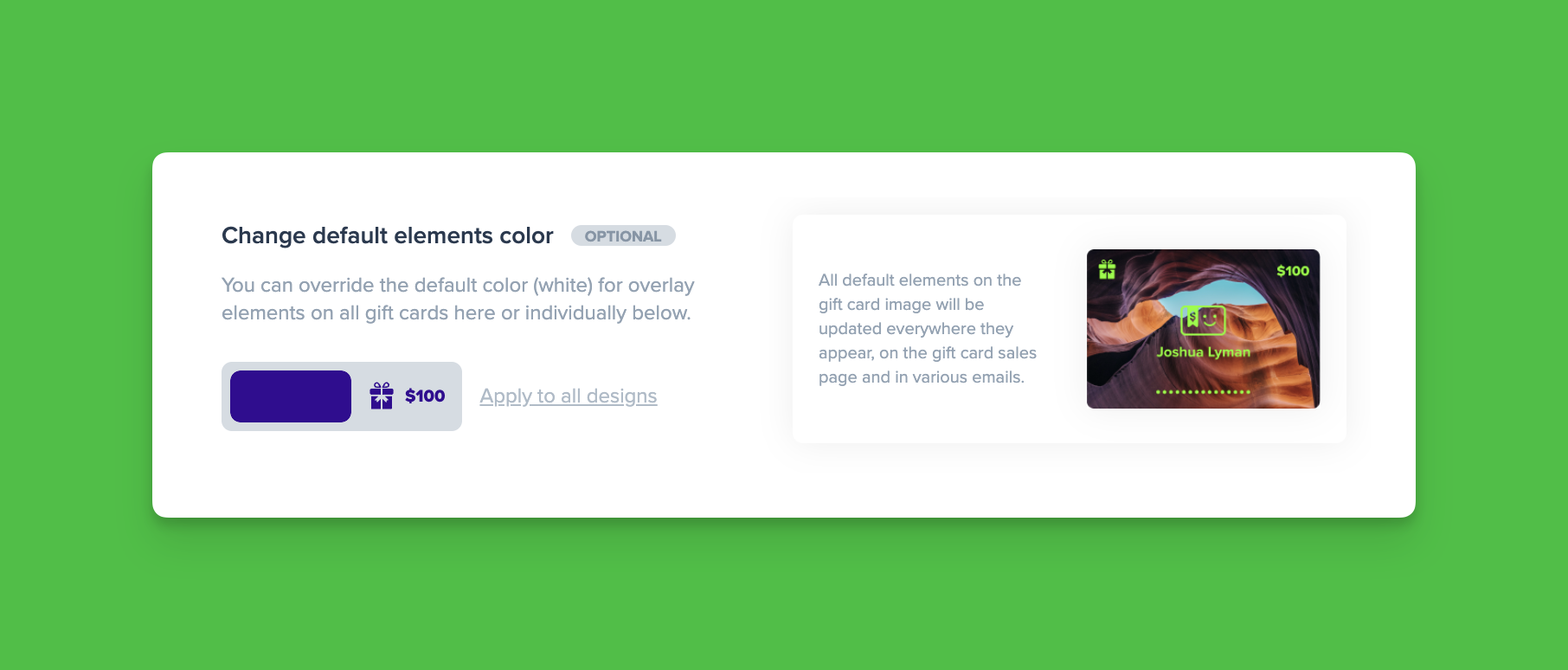
- Set custom colors so text and details look right on any background image
- Sell in your preferred currency, or let customers choose from several
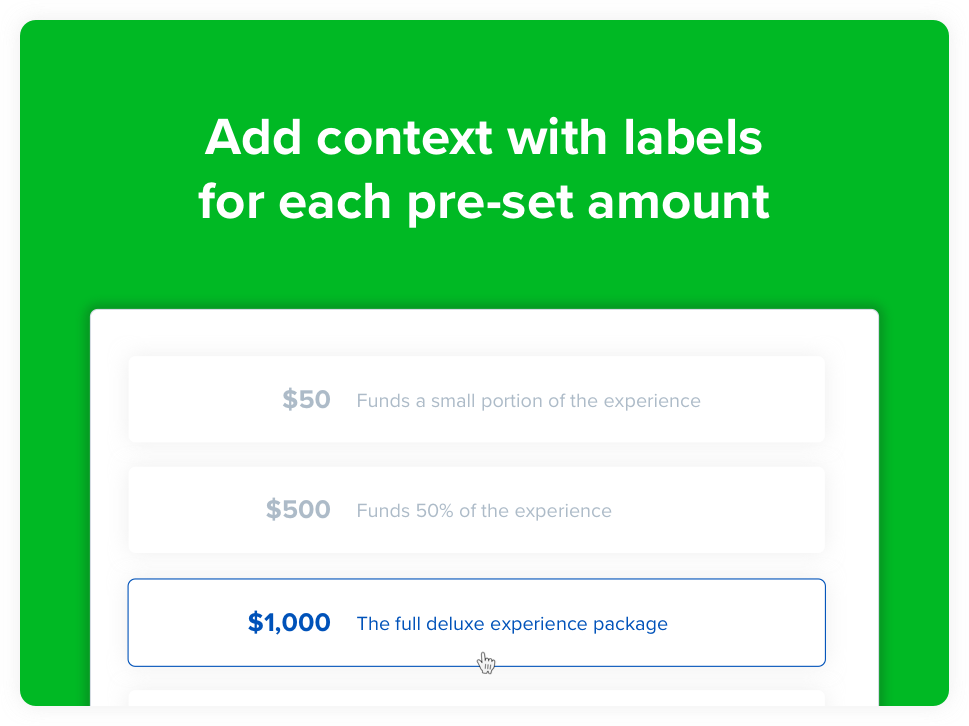
- Add labels to amounts so buyers know exactly what each one gets the recipient
You set it up yourself in minutes and can change it any time. No designer or developer needed.
How to offer custom gift cards in under 5 minutes
Cardivo lets you offer digital gift cards with no upfront or fixed cost. You never enter any credit card details. We just take a small percentage of the sales you make through the platform, so we only make money if we help you make money. You can even pass that fee on to buyers, making Cardivo risk-free and fee-free for you.
Here’s how to get started:
-
Create your free Cardivo account
Go to cardivo.com or sign up here with your name and email. You don’t need to enter any credit card info, ever.
-
Connect your Stripe account (or create a new one)
Next, connect your Stripe account. If you don’t have one, you can create a free account in under two minutes. Stripe is one of the world’s leading payment processors, and we use it to process all payments on Cardivo securely.
-
Choose your gift card page link
Pick your sales page link, the URL where customers buy your gift cards. We recommend your business name with hyphens for spaces (for example, acme-corp), giving you a link like https://demo.cardivo.com/giftcards/egift-cards-example. You can change it any time.
-
Customize your gift card settings
Add your logo, upload your designs, set your currency, add a surcharge, set a minimum amount, and more. If you get stuck anywhere, just reach out via the chat icon and we’ll help.
-
Share your link with the world
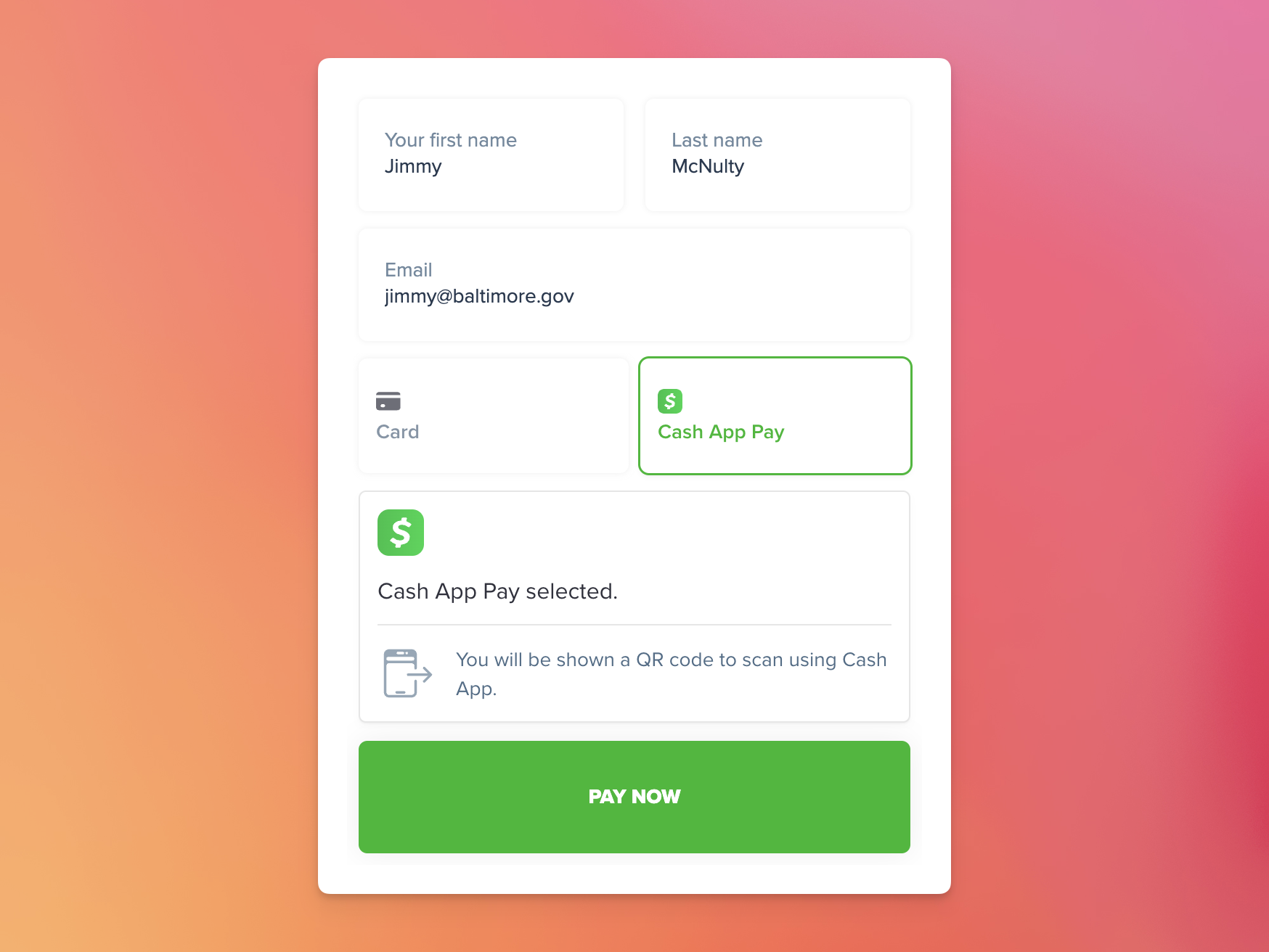
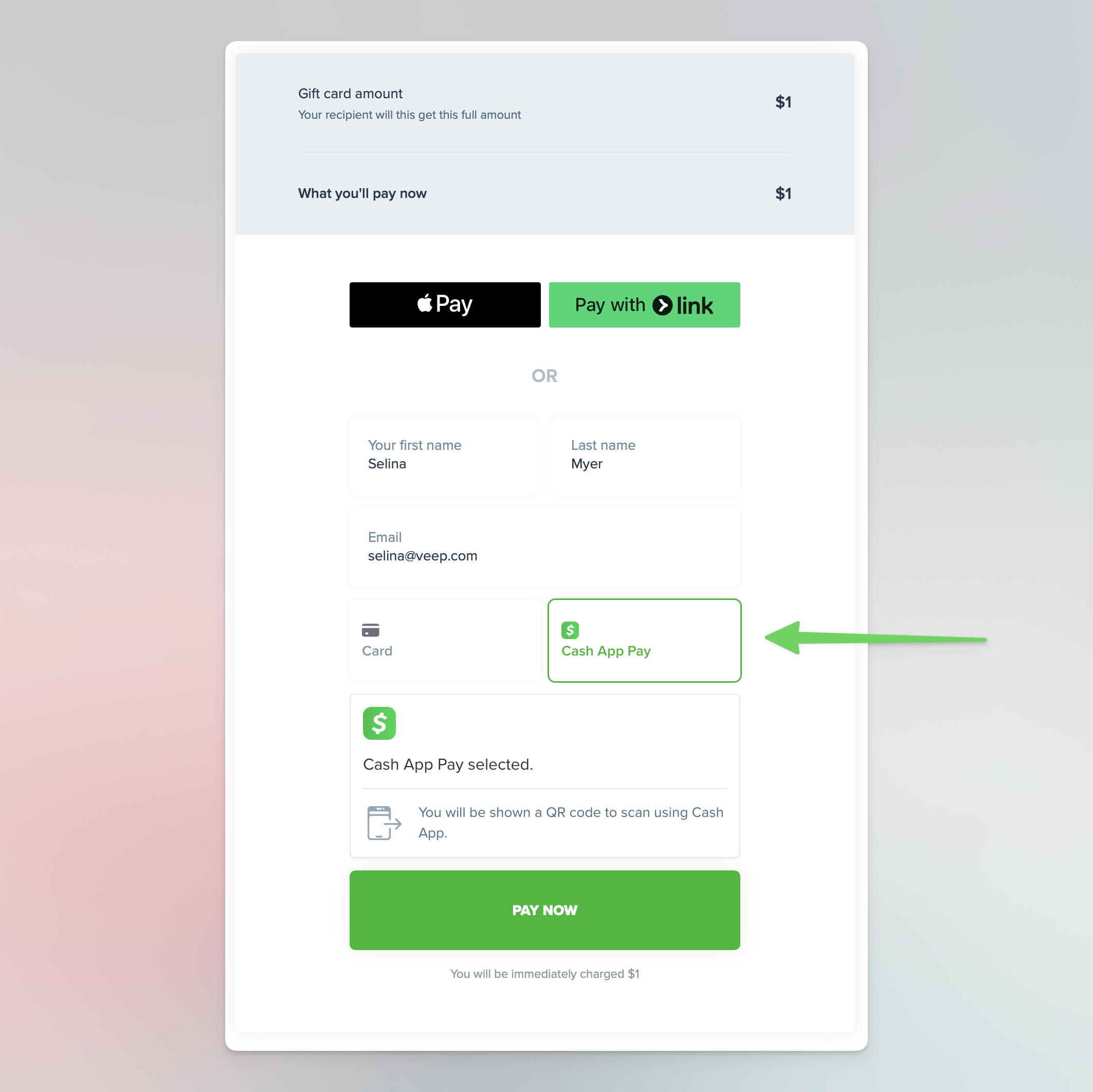
Cardivo generates your gift card sales page (here’s an example). Share it on your website, social media, or WhatsApp. Customers can buy using a credit or debit card, Apple Pay, or Google Pay on any device.
Ready to set yours up? Create your free account.
Why offer gift cards for your business?
The global gift card market was worth around $984 billion in 2023 and is projected to reach $5 trillion over the next decade. Big brands like Apple, Starbucks, and Airbnb lean on gift cards to drive growth, and they work just as well (often better) for small and medium businesses. Here’s why they matter:
Increase sales to existing customers
Easy-to-buy digital gift cards put your business in the mix when customers are thinking about gifts for birthdays and special occasions. If you offer a great product and a smooth buying experience, a gift card becomes a useful, flexible gift the buyer can tailor to their budget.
Improve your cashflow
Gift cards let you get paid upfront for something you deliver later. For small, self-funded businesses especially, that’s a meaningful cashflow boost. Think of them as an interest-free loan from your customers.
According to Starbucks’ own corporate filings, in mid 2024 they held $1.77 billion in unredeemed gift card balances. That’s billion with a B. Your balance will be smaller, but the principle is the same: gift cards fund your business with revenue you receive in advance, and some of it is redeemed months later, or never.
Source: marketwatch.com
Get new customers, while getting paid for it
Gift cards are usually given to friends and family, so each one you sell is a potential new customer. Recipients typically spend more than the card’s value when they redeem, and if they like what you offer, they come back. It’s one of the only growth channels that pays you while bringing you new customers.
What kind of gift cards should you offer?
Closed loop (the smart choice)

Closed loop gift cards can only be redeemed at the business that issued them. That means you capture all the value: the buyer pays you upfront, the recipient redeems with you (often spending more than the card’s value), and you gain a new customer. This is why every big brand offers closed loop cards, and with Cardivo you can offer them too.
Open loop (weaker for your business)
Open loop cards are essentially a prepaid Visa or Mastercard with your logo on top. Customers can spend them anywhere, which sounds nice but means they’ll likely use them on groceries or gas, not with you. Beyond a bit of branding, you get little benefit.
Digital over physical
For an online-first business, digital gift cards win on almost every front:
- Cost: essentially $0 to produce, with nothing to print, store, or ship.
- Ease: bought and delivered instantly to anyone, anywhere, and kept safely on the recipient’s phone.
- Security: if a card is compromised, you can freeze it and reissue in seconds. A lost physical card can be used by anyone.
- Tracking: see sales, redemptions, balances, and revenue per card in real time, no scanners or POS hardware required.
Why choose Cardivo for your custom gift cards?
We built Cardivo for businesses that want the power of gift cards without the complexity, outdated systems, or salespeople. You can be live in 5 to 10 minutes with no code.
No fixed fees
Free to try and use, with no fixed or upfront fees. We charge a small 5% fee on sales through the platform, which you can pass on to the buyer. If Cardivo doesn’t help you sell, we don’t get paid. See full pricing.
Secure Stripe payments
Payments go directly and securely into your own Stripe account. No sensitive payment data is stored or handled in Cardivo.
Redeem almost anywhere
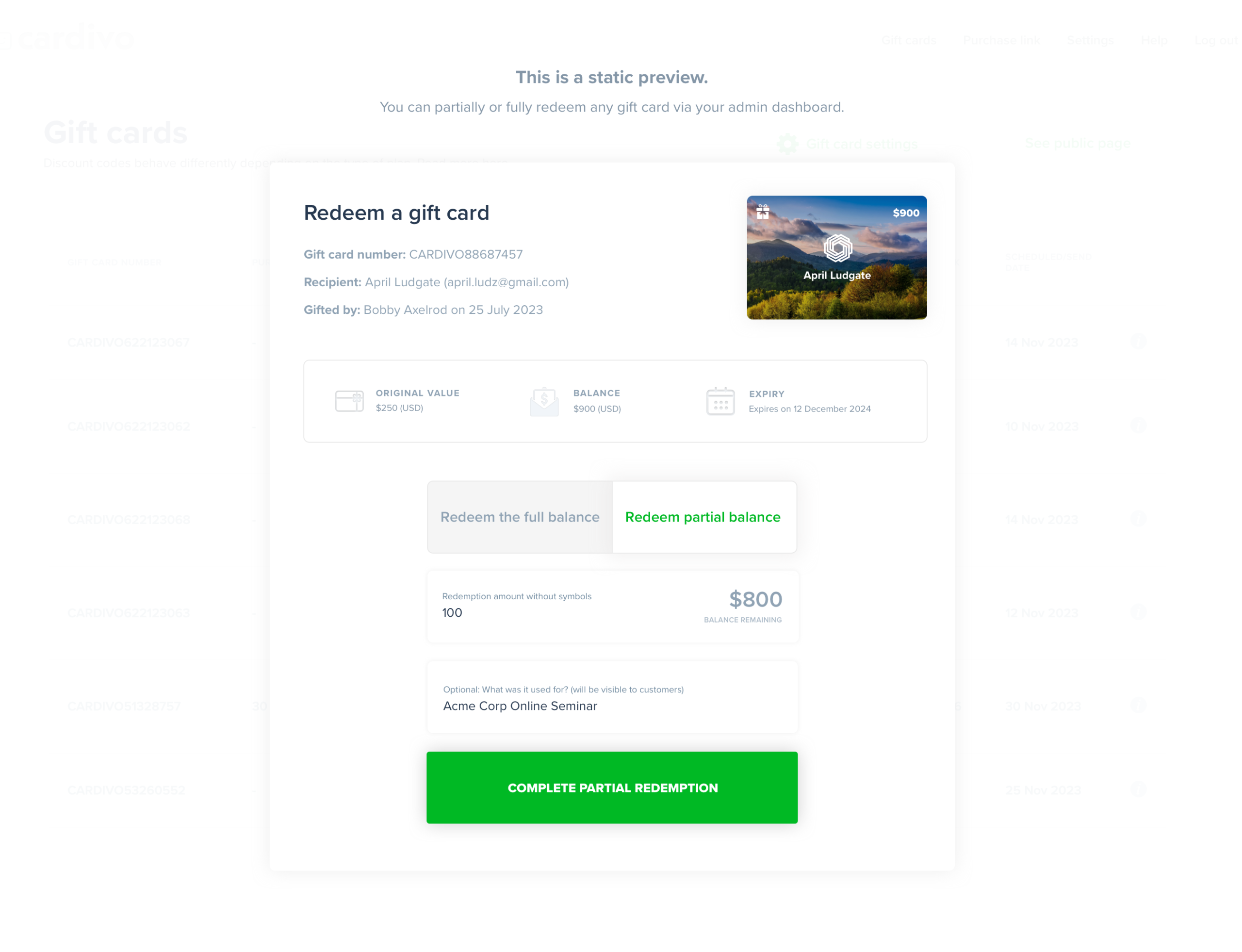
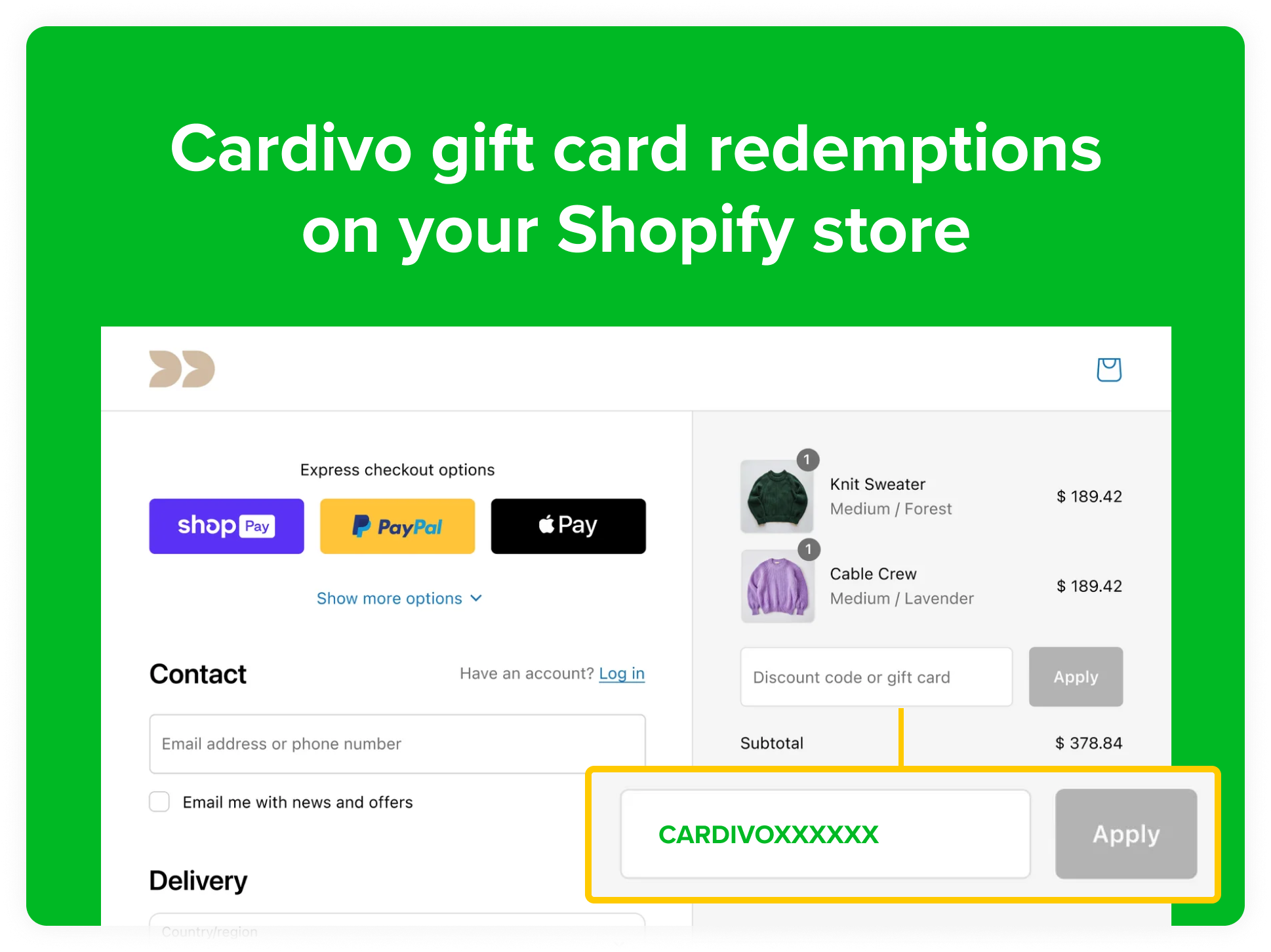
Redeem Cardivo gift cards on your WooCommerce or Shopify store, on Stripe checkout and payment links, on Paythen payment plans, via our API in your own app, through Zapier, or manually from your dashboard.
Hands-off and self-service
Cardivo handles sales, delivery, balance checks, and more. Recipients manage their own cards via secure links, cutting down on admin and support.
Always improving, with friendly support
We ship updates most weeks, and support is one click away via chat or at hello@cardivo.com. No forms, no tickets.
Prefer the deep dive on tooling? See our guide to online gift card software.
Custom gift card FAQs
Create a free Cardivo account, connect Stripe, customize your gift card page with your logo and designs, then share your sales link. You can be live in about five minutes with no code.
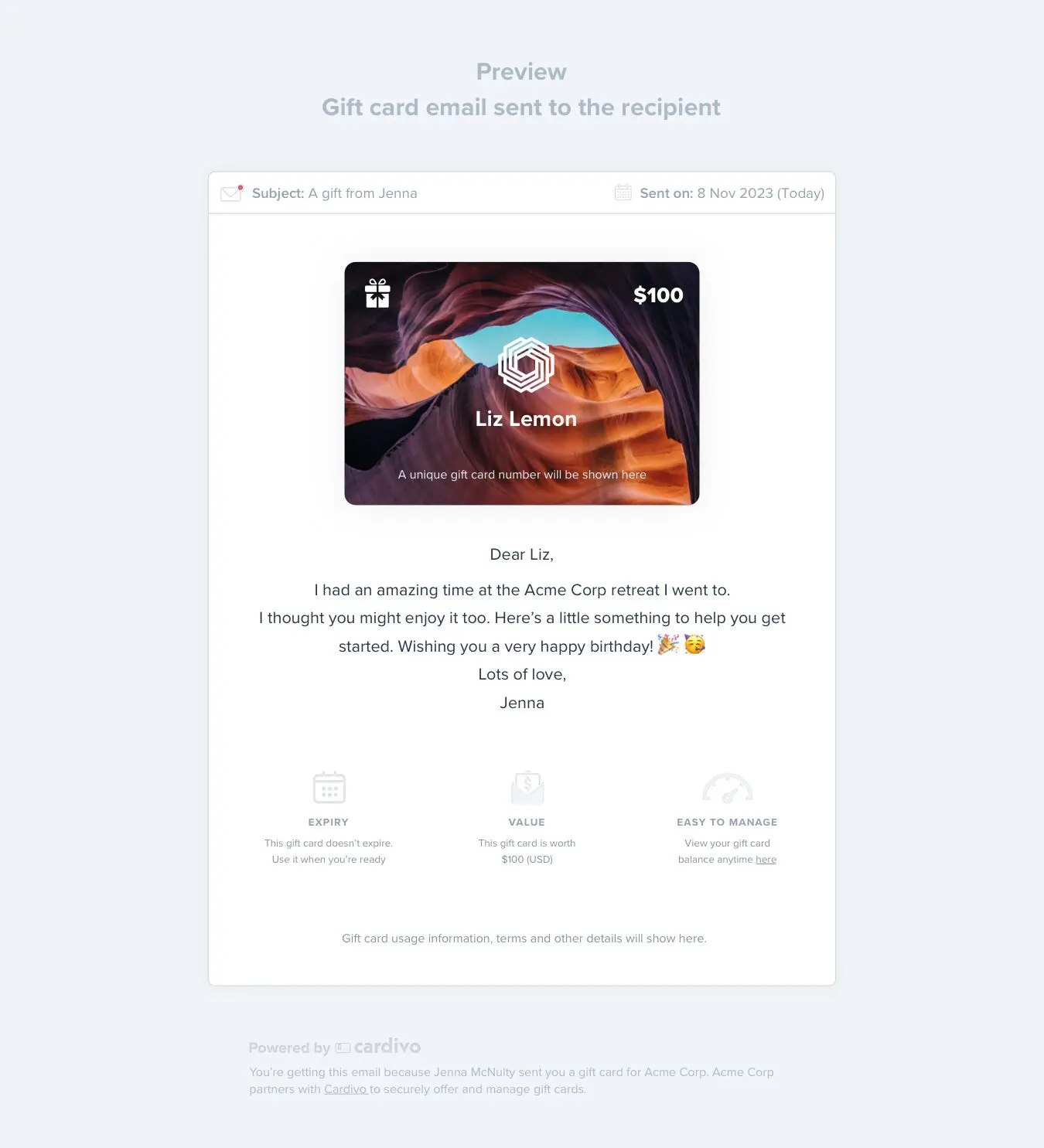
Digital. Customers buy and receive them instantly by email on any device, so there’s nothing to print, store, or ship. Recipients keep them on their phone and redeem online or in person.
Yes. Add your logo, upload up to 20 of your own designs, set custom colors, and choose your currency, so every card looks like yours rather than a generic prepaid card.
There are no fixed or upfront fees. Cardivo takes a small 5% fee on sales made through the platform, which you can pass on to the buyer. If you don’t sell, you don’t pay.
On your Stripe checkout and payment links, your WooCommerce or Shopify store, your Paythen payment plans, via the API in your own app, through Zapier, or manually from your dashboard.
Start offering your custom gift cards today
Offering branded digital gift cards is one of the simplest ways to sell more to existing customers and win new ones, while getting paid upfront. Create your free Cardivo account and see if it works for your business. It takes less than five minutes, and you never need a credit card.










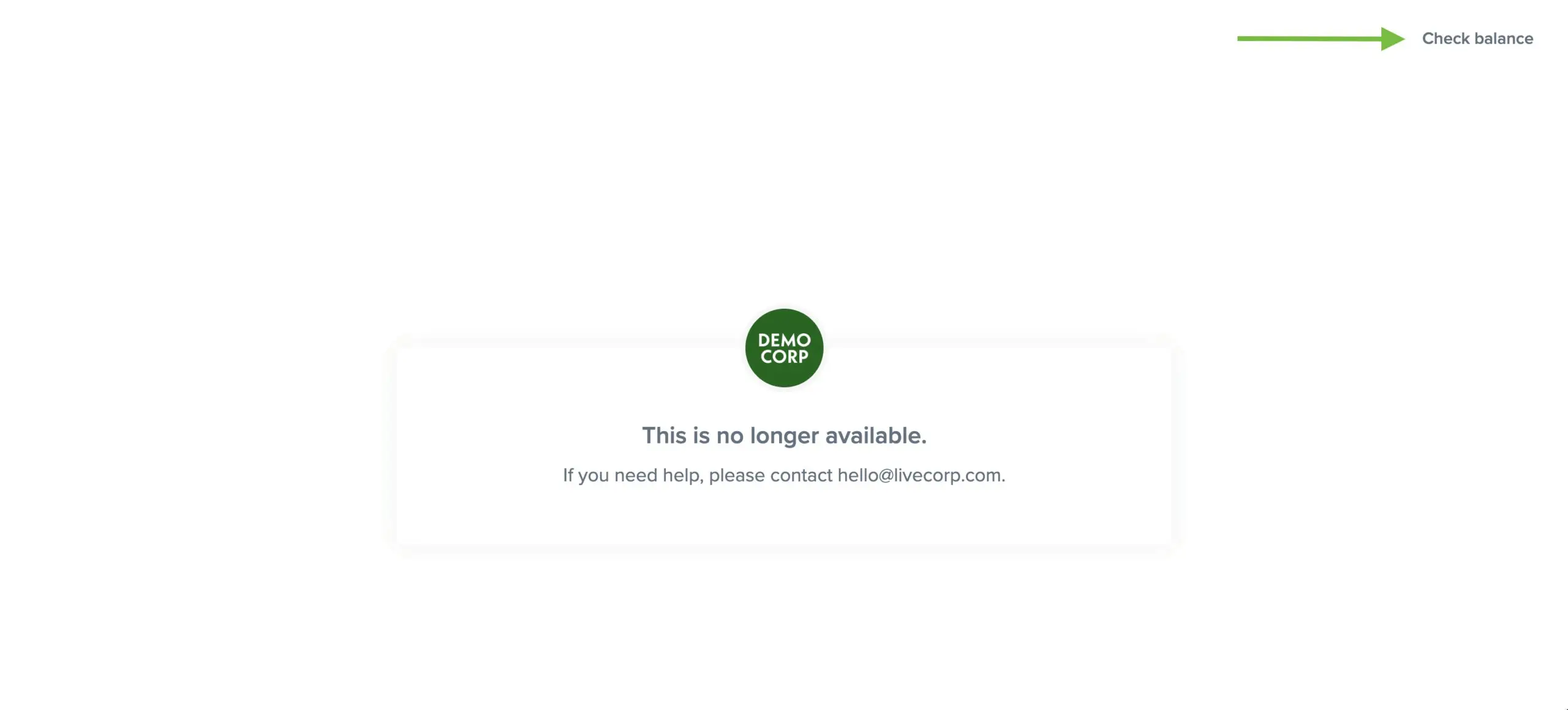 Gift card holders will still be able to access and click through to the “Check balance” link when the sales page is inactive. When you toggle it back on, your sales page will immediately start working again. This toggle has no impact on existing gift cards and their redemptions and those will continue to work. It just prevents new gift cards from being purchased.