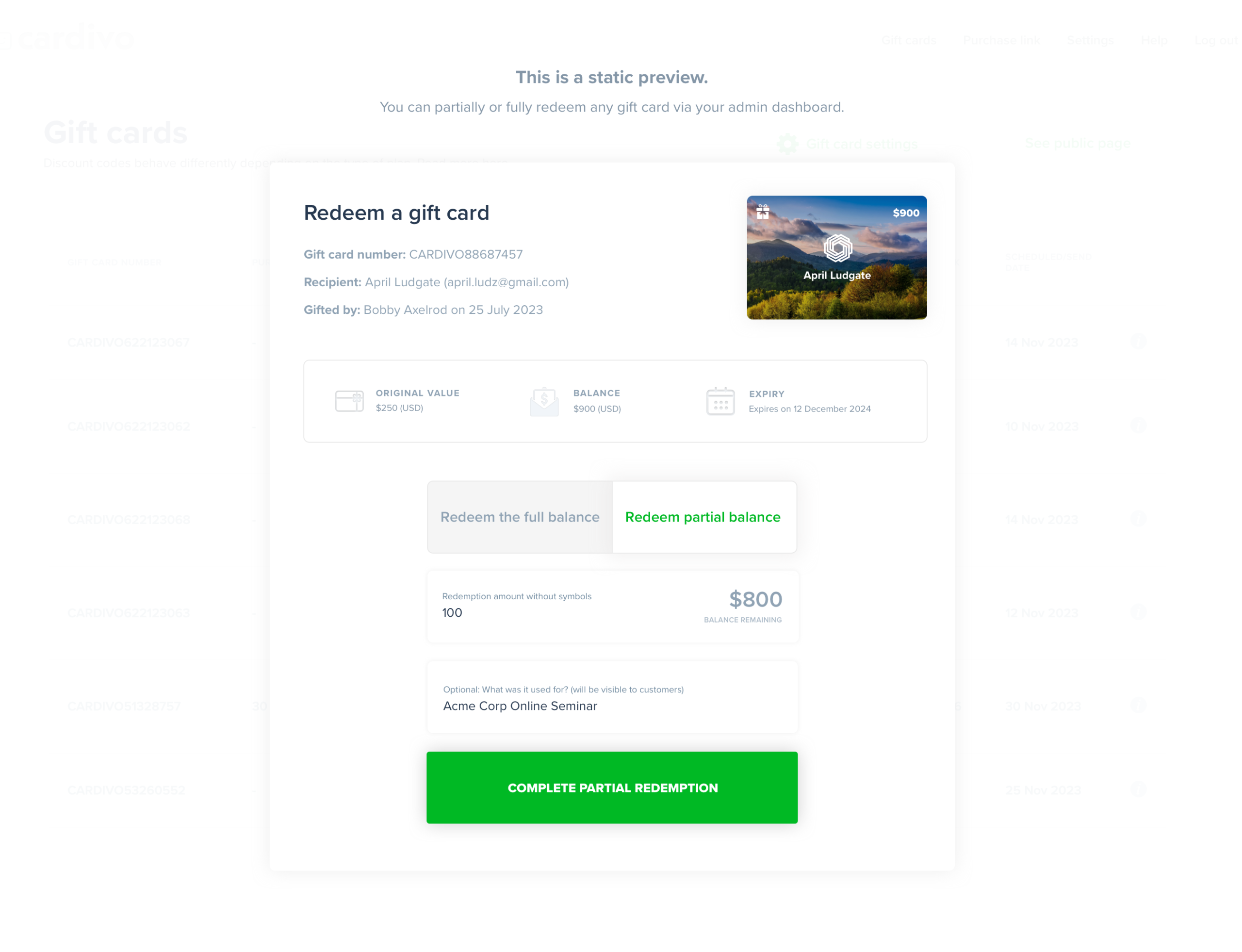
Yes it does. The Cardivo WooCommerce plugin is available to download for free. Your customers can easily redeem their gift cards on your WooCommerce store. If you’re interested in using the WooCommerce plugin, just create your free Cardivo account, switch ON the WooCommerce integration in settings > integrations, and install our WordPress plugin. We have more setup instructions here.
Once you activate the plugin and add in the Cardivo access token, a new “Redeem a gift card” option will become visible at checkout on your WooCommerce store. Customers will be able to enter their gift card number and pay for any remaining balance using any existing payment methods.
If you need a hand getting set up on your WooCommerce store, we can help. Just reach out via the chat icon below.
You can have Cardivo up and running for your business in under 5 minutes. There are no ongoing or fixed monthly fees – just a small percentage when you sell a gift card.