When someone buys a gift card, we now automatically and invisibly check the recipient and sender email addresses for typos, potential delivery issues and a range of other checks to validate the recipient and sender emails can receive emails. This is done in the background, without any disruption or impact on the checkout flow.
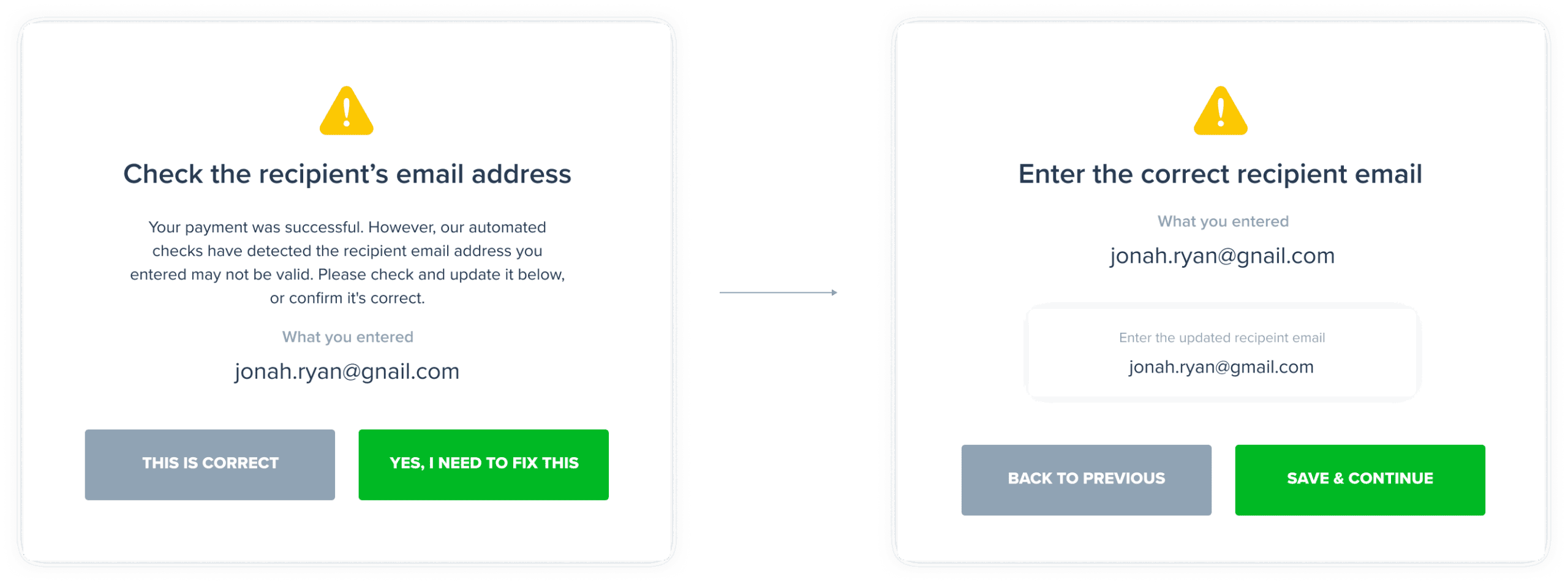
In instances where the email a buyer enters for the recipient (or themselves) is flagged as invalid, we ask customers to check it and if needed, fix it. This happens after the gift card payment is successfully completed so it has no negative impact on conversion rates but helps catch potentially incorrect emails immediately and automatically.
This is what the gift card buyer will see when an email is flagged as invalid:
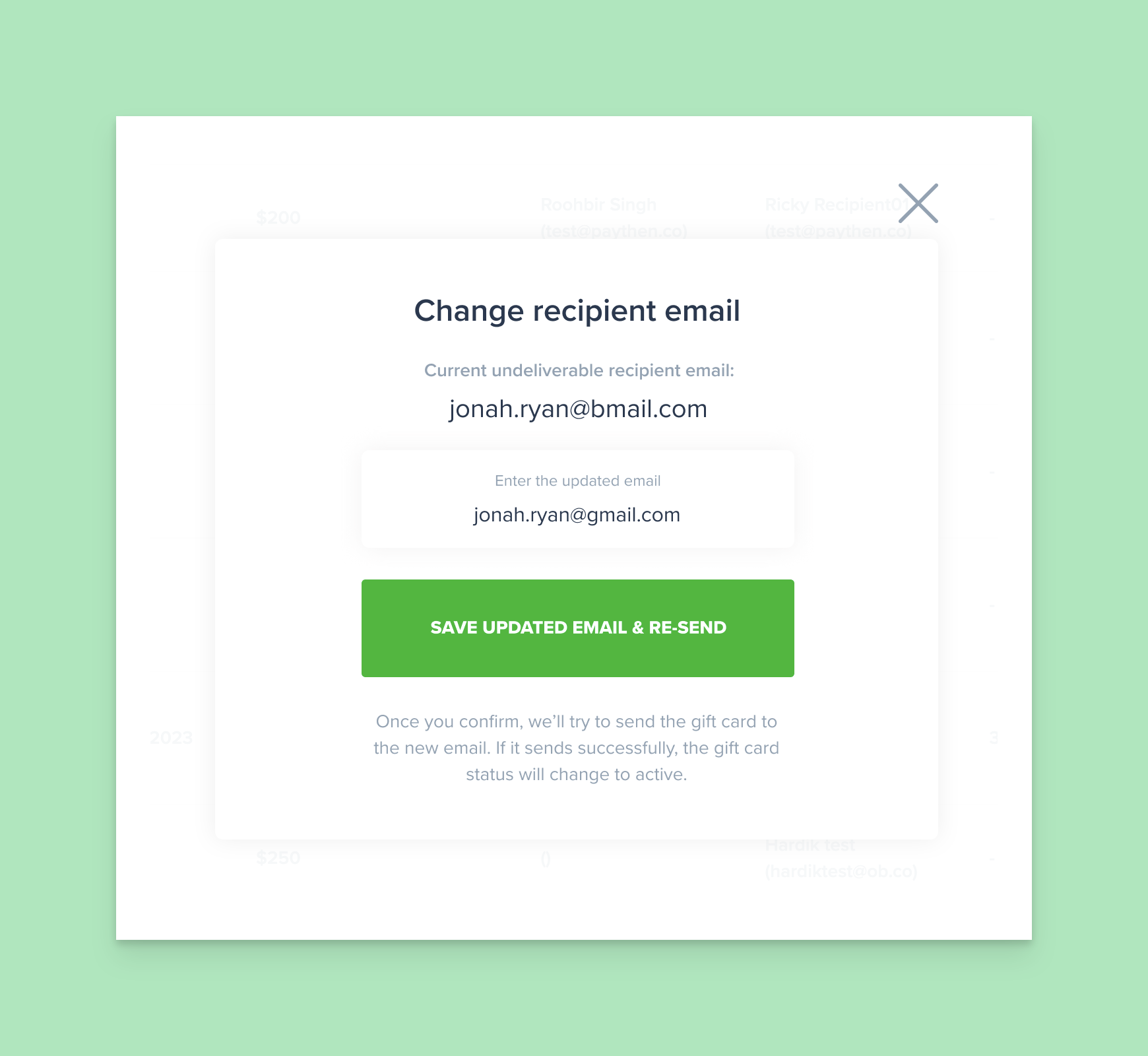
If the recipient email is flagged as invalid:
If the sender’s email is flagged as invalid:
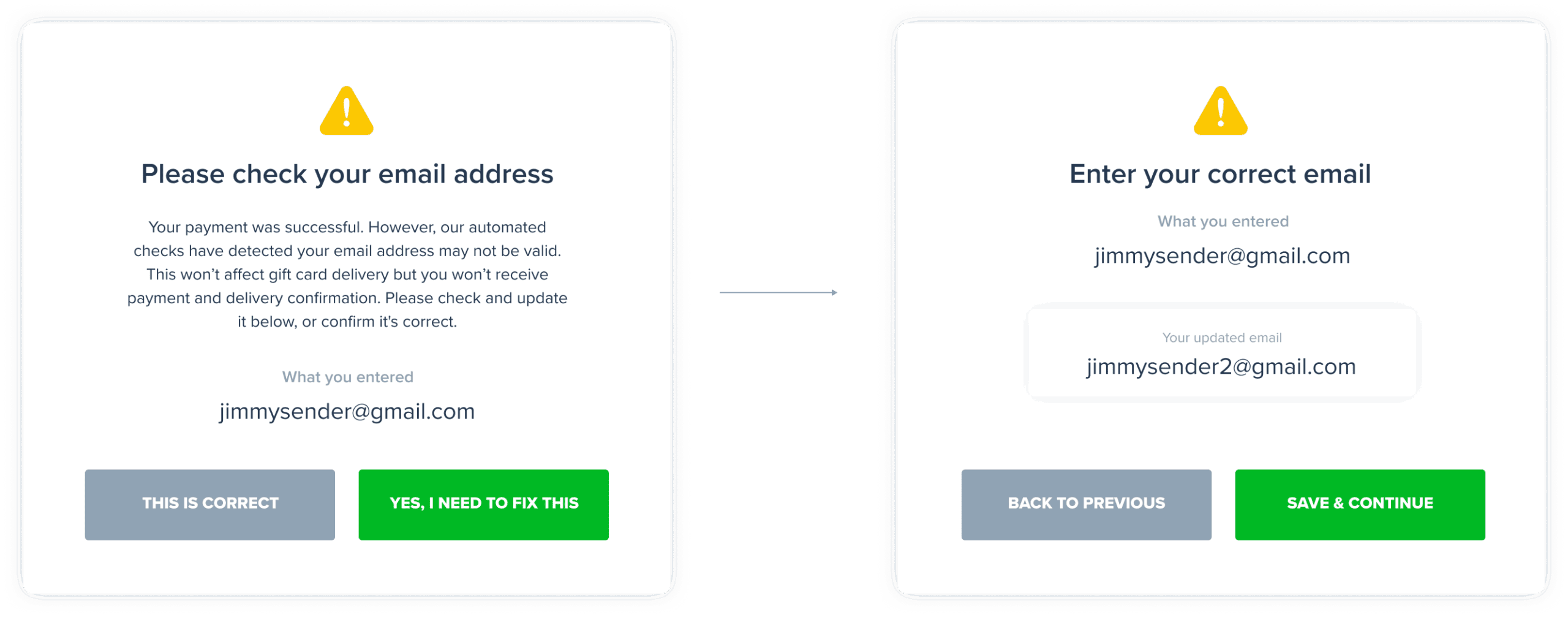
In rare cases where both the sender and recipient emails are invalid, they will see both flows above sequentially.
In all cases, this flow is triggered and shown only if an email is detected to be invalid or can’t receive emails for some other reason (inbox storage full, etc) and only after the purchase step is completed on the gift card purchase page. Once they complete this flow, buyers are then shown the confirmation page – the default one we have or a custom one you have set.
This flow doesn’t affect payment collection. There is no change or impact to the checkout. For all customers, once they submit their payment information, the payment is immediately processed with no delays, even if the email is invalid. This validation flow triggers after they have successfully paid.
Because these are automated checks, they can result in valid emails being flagged incorrectly very occasionally. Gift card buyers are given the option to say “This is correct” which overrides the automated check and marks the email as valid immediately.
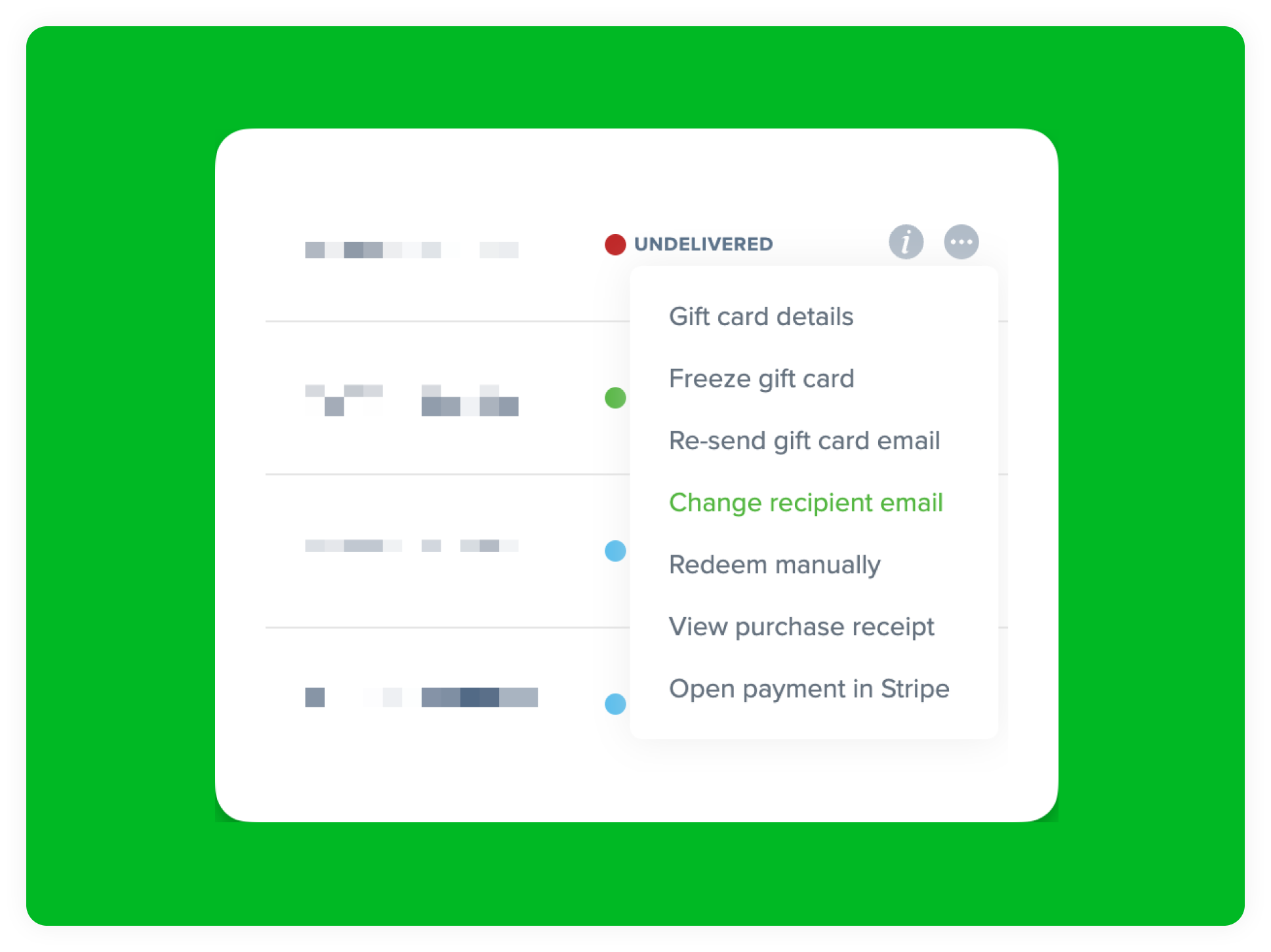
In instances where an email is flagged as invalid but the buyers abandon this flow without updating the email, or the actual delivery of the gift card email (to the recipient) or payment confirmation email (to the sender) fail, the “invalid email” status will be clearly indicated in your Cardivo admin dashboard and on the gift card page.
From there, you can click on the “Fix it” link and enter the correct email, which will then retry delivery of either the gift card email to recipients or payment confirmation to senders. This almost fully automates yet another component of your gift card offering, keeping you free to do higher value work 🙌









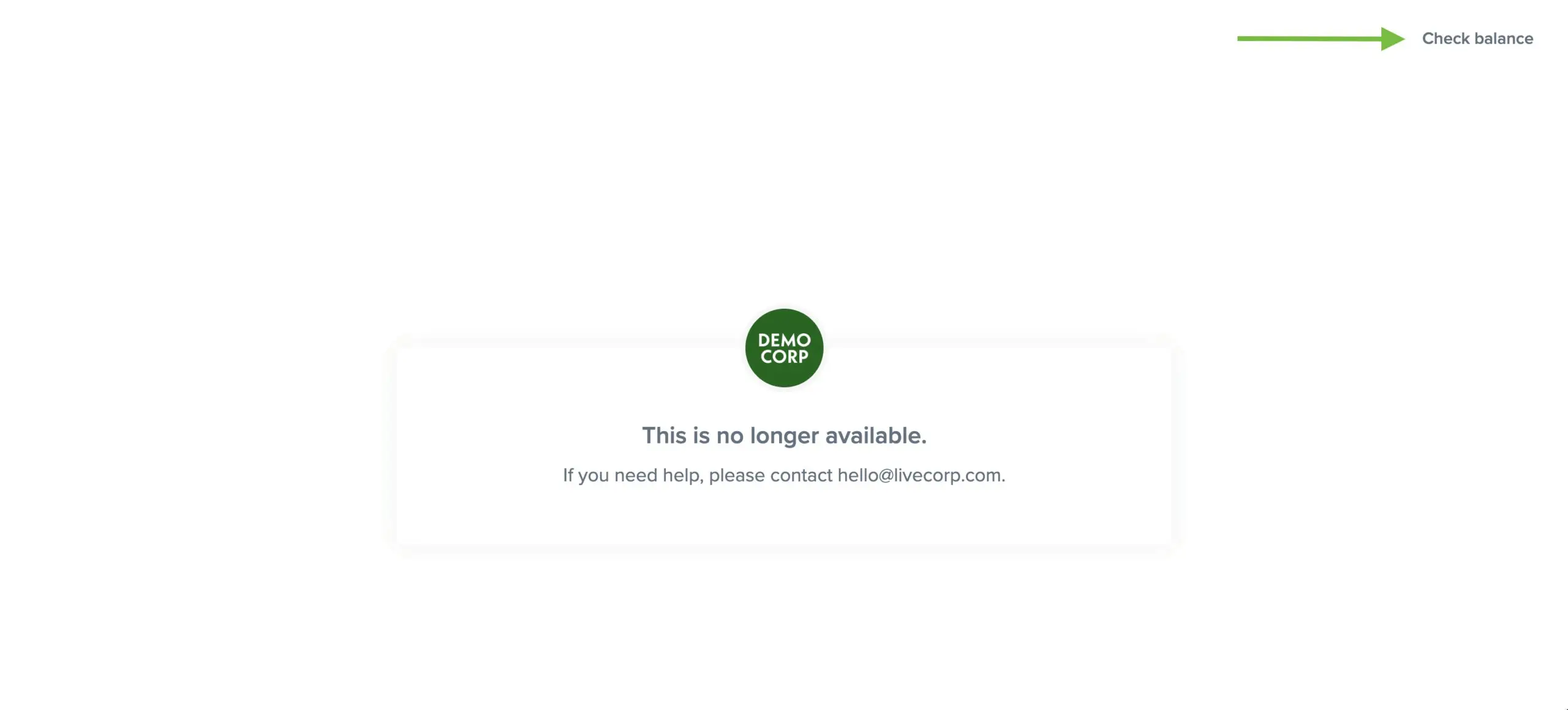 Gift card holders will still be able to access and click through to the “Check balance” link when the sales page is inactive. When you toggle it back on, your sales page will immediately start working again. This toggle has no impact on existing gift cards and their redemptions and those will continue to work. It just prevents new gift cards from being purchased.