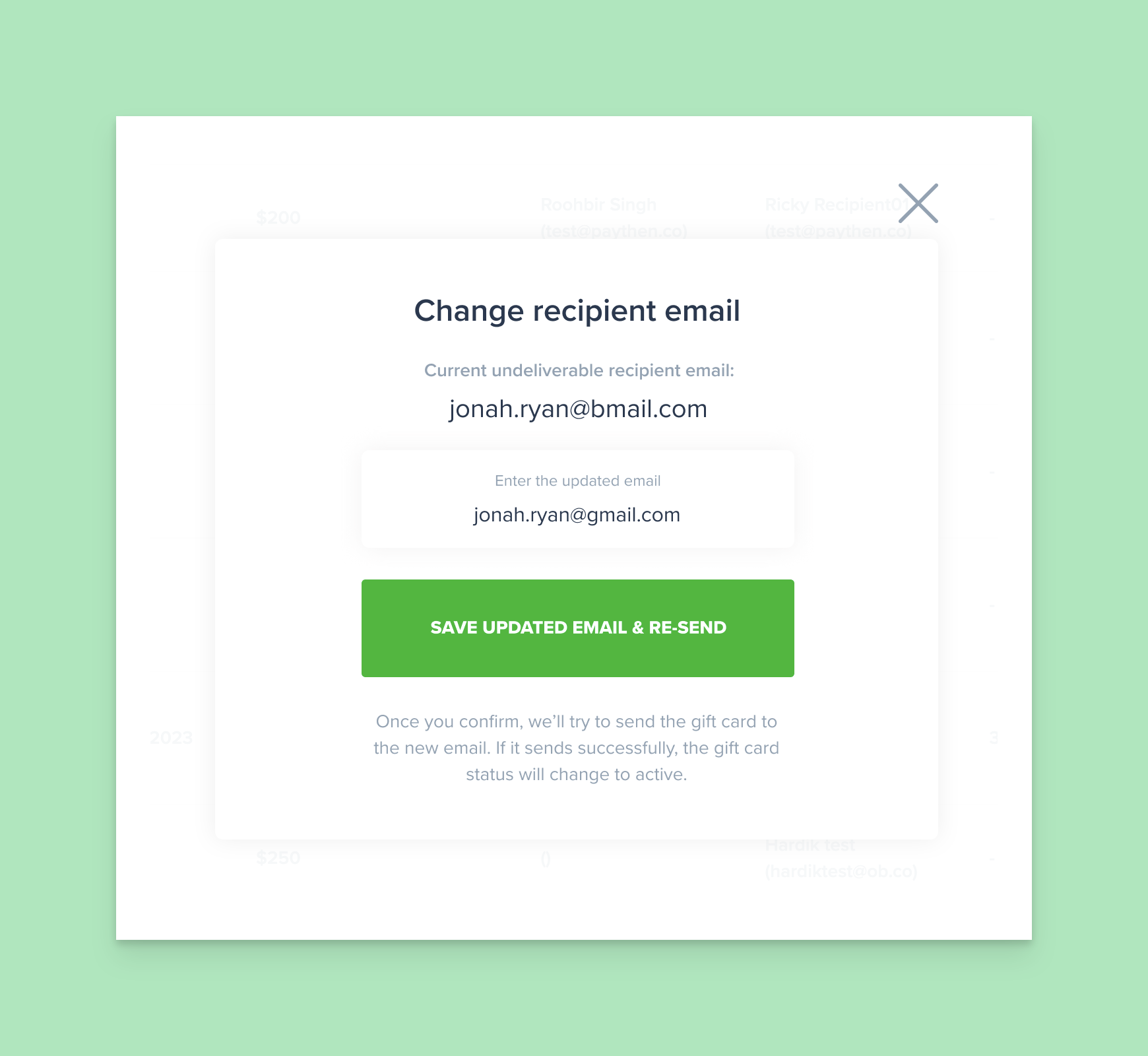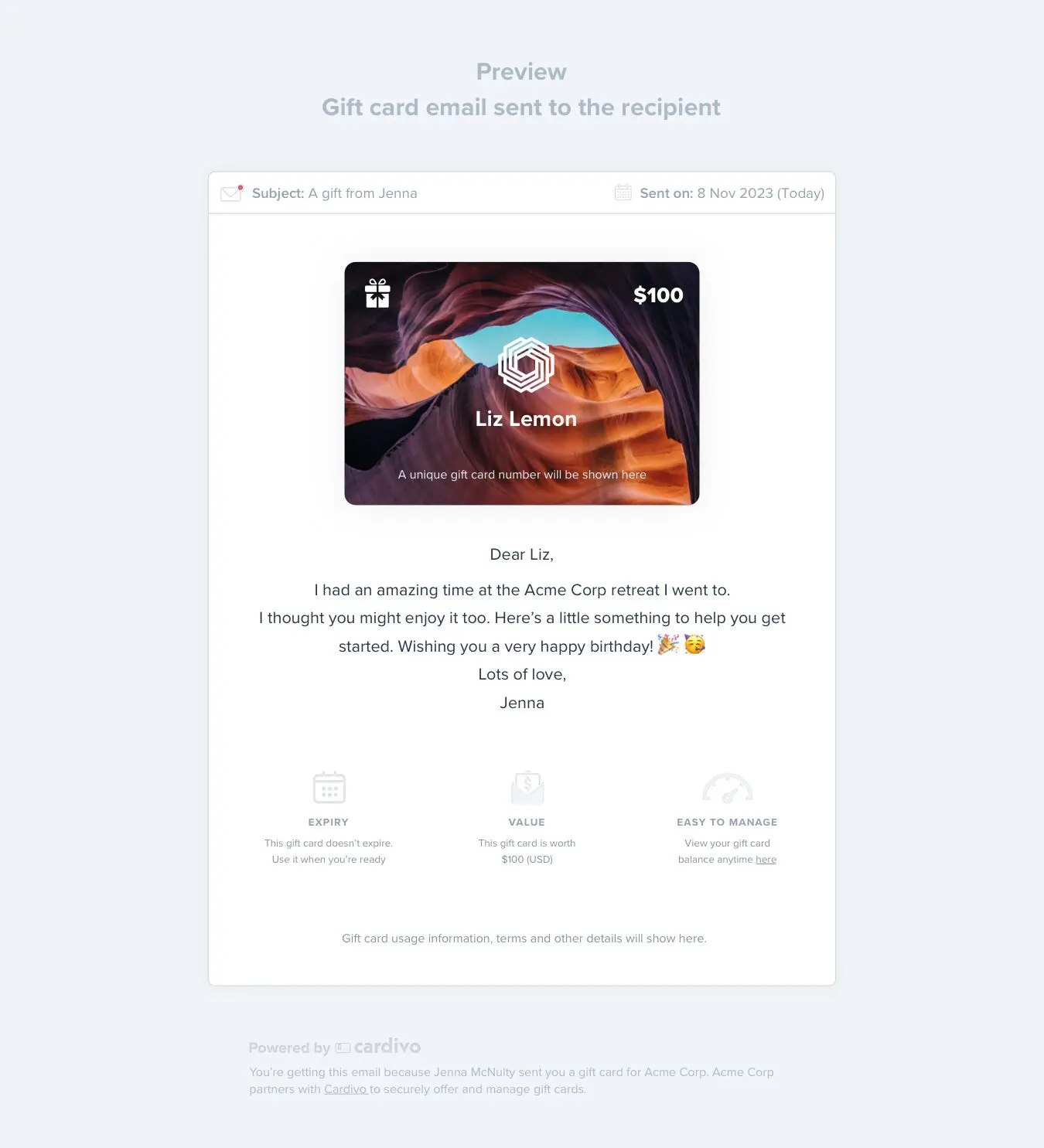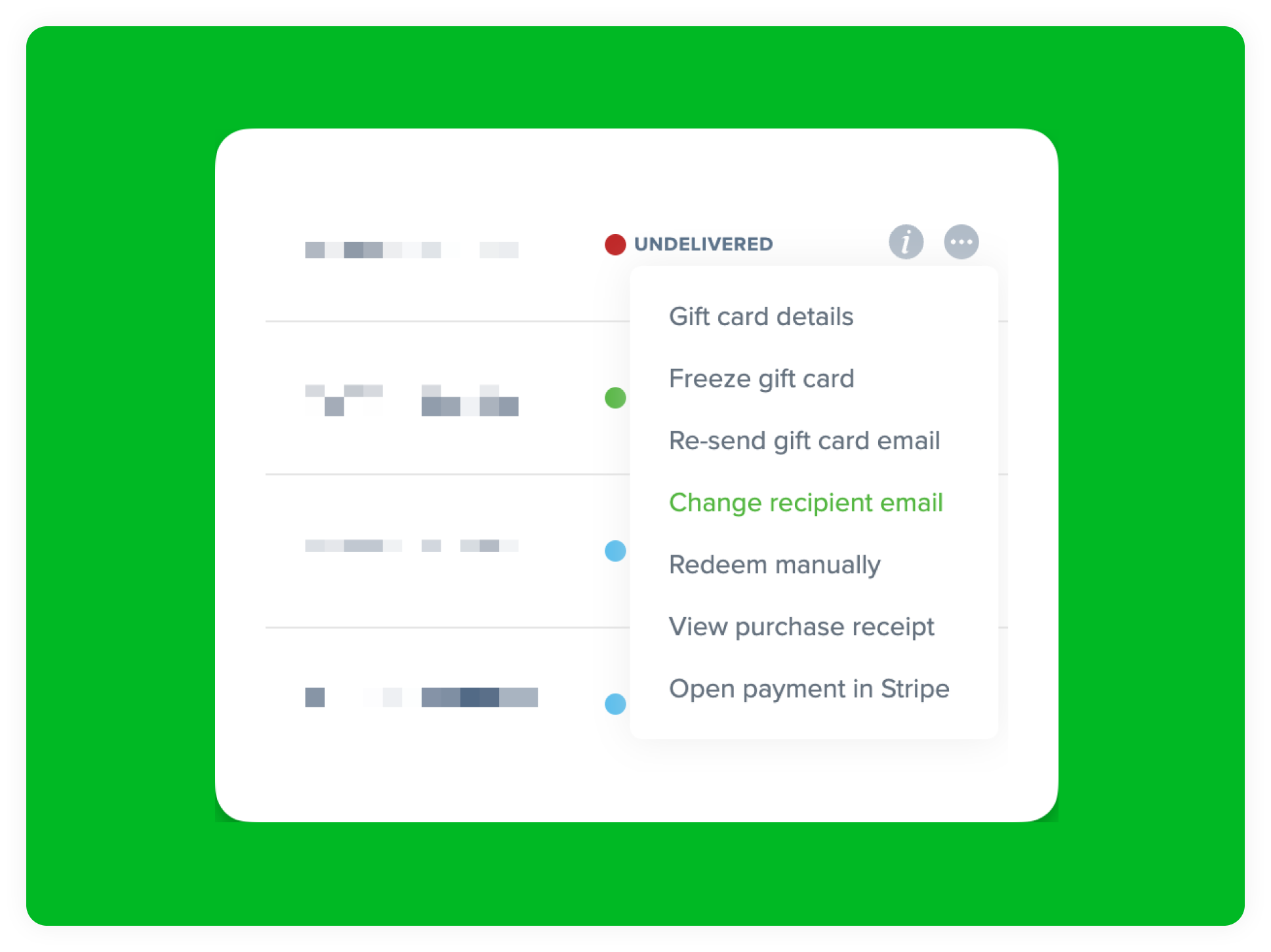
Sometimes the sender of a gift card incorrectly enters the wrong email address for the recipient, causing it to remain undelivered. This is reflected in your Cardivo dashboard with an UNDELIVERED status but required you to contact support to assist with changing this and re-sending the gift card email. This can now be done easily via your admin dashboard. For any gift cards with an undelivered status, you will see a new option in the more menu next to it to “Change recipient email” and from there you can enter the updated email you’ve gotten from the sender. Once you save it, we’ll immediately try re-delivering it and the status will update to “Active” once it’s delivered.