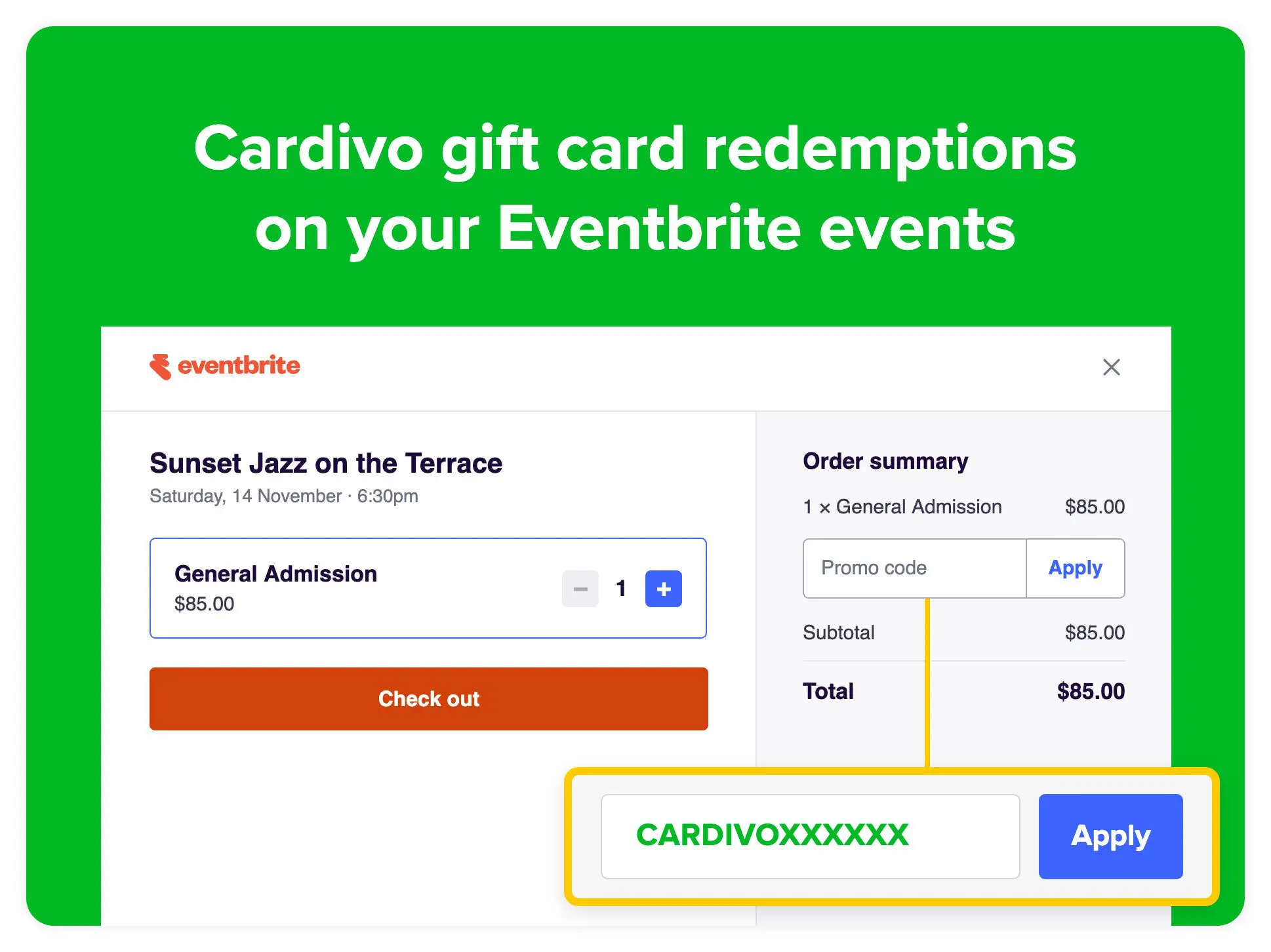
Your Cardivo gift cards can now be redeemed on your Eventbrite events. If you sell tickets to events, workshops or classes on Eventbrite, your customers can use their Cardivo gift card right in the Eventbrite checkout. They just enter their gift card number in the promo code field. This is in addition to all the redemption channels Cardivo already supports – letting you bring your gift cards with you seamlessly as your business evolves and changes.
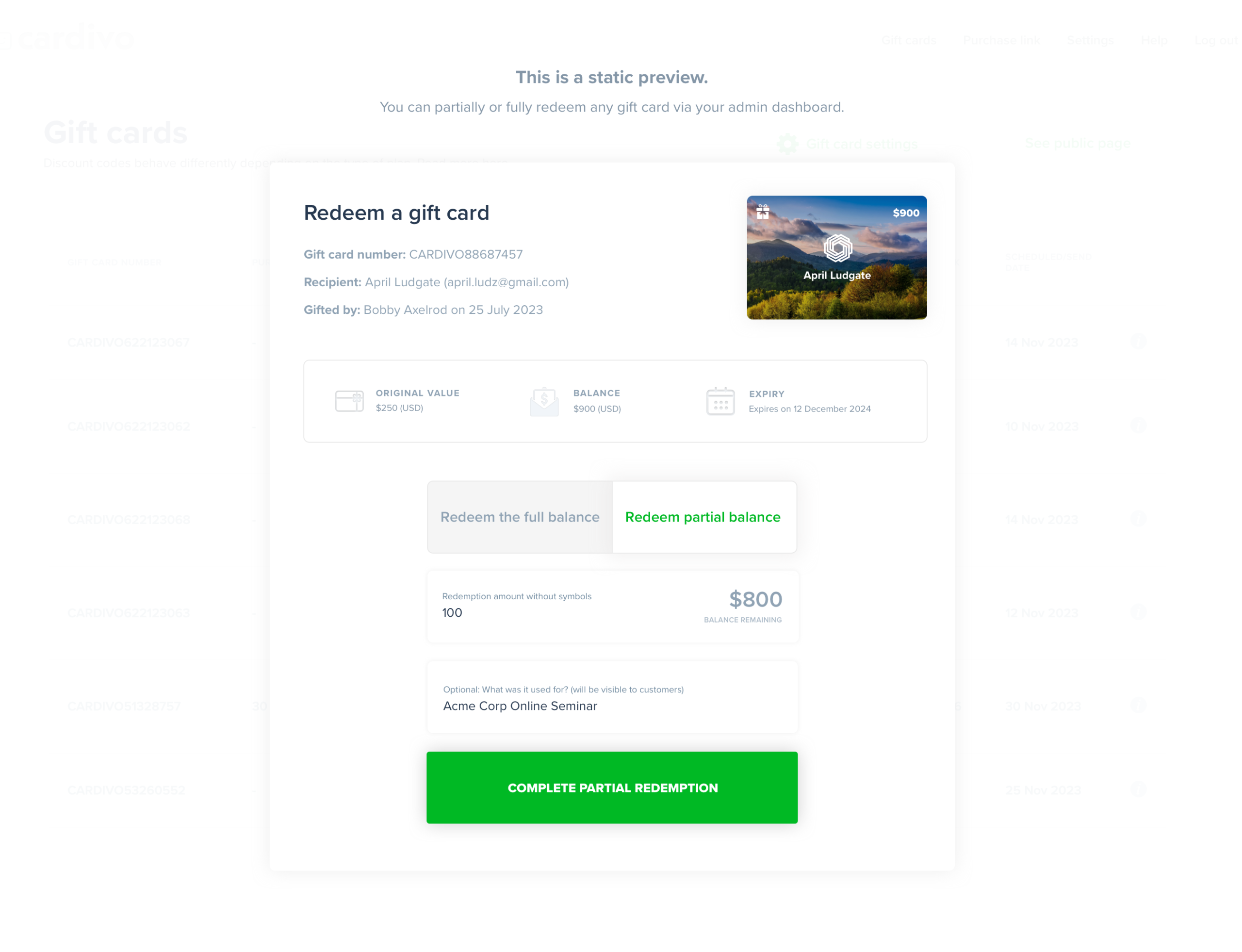
Once you connect your Eventbrite account, Cardivo takes care of the rest. Your gift cards are added to all of your upcoming Eventbrite events in the same currency, and any new event you publish gets them automatically, so there’s nothing to set up event by event. Each redemption is recorded on the gift card in your Cardivo dashboard, along with the event and Eventbrite order, and the remaining balance updates everywhere you accept Cardivo gift cards, including Shopify, WooCommerce and Stripe Checkout. This makes multi-channel redemption seamless for you and your customers.
A few things worth knowing:
👉 Leftover balances stay on the gift card
If a ticket costs less than the gift card balance, the rest can be used on a later order, on Eventbrite or anywhere else you accept Cardivo gift cards.
👉 One ticket per gift card per order
A gift card checkout only supports one ticket – this is an Eventbrite limitation.
👉 Multiple currencies are automatically handled – no manual work needed
A gift card works on any of your events in the same currency, so EUR gift cards work on EUR events only, USD gift cards on USD events, etc.
👉 Expiry and status carry over
Expired, frozen and fully used gift cards stop working on Eventbrite automatically just like all other redemption channels
👉 Refunds automatically restore the balance
If you refund an Eventbrite order (or the ticket) that used a gift card, the amount goes back onto the gift card automatically and the gift card status updates as needed too.
To get started, follow these easy step-by-step instructions. Takes about 60 seconds to connect, and you can disconnect any time.