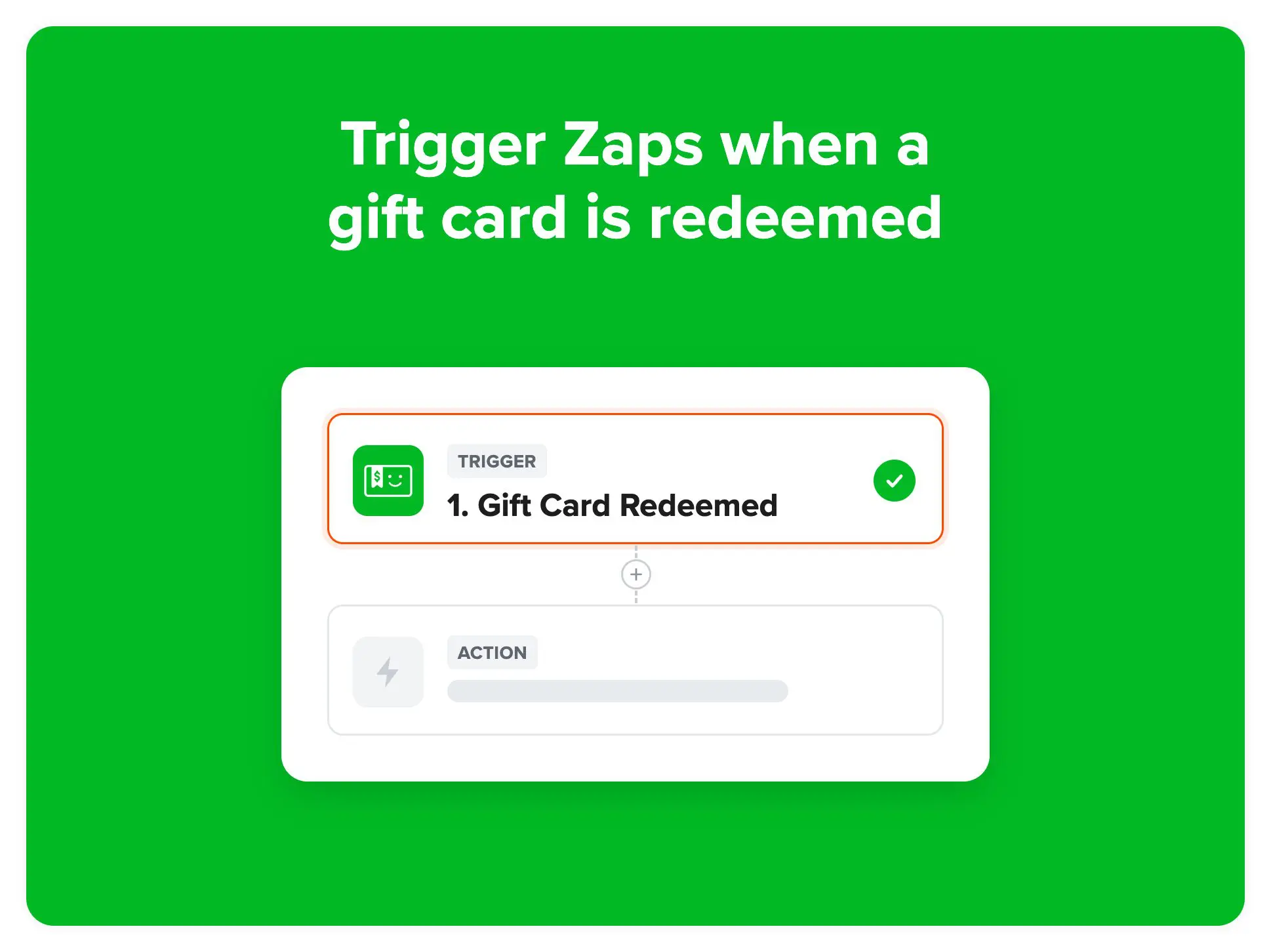
The Gift Card Redeemed trigger now available in our Zapier app enables many new workflows like updating your CRM or other systems, sending customers a custom email thanking them for their purchase, updating them with their remaining balance for partial redemptions, letting internal admins know on slack, and much more. This trigger works with partial and full redemptions.
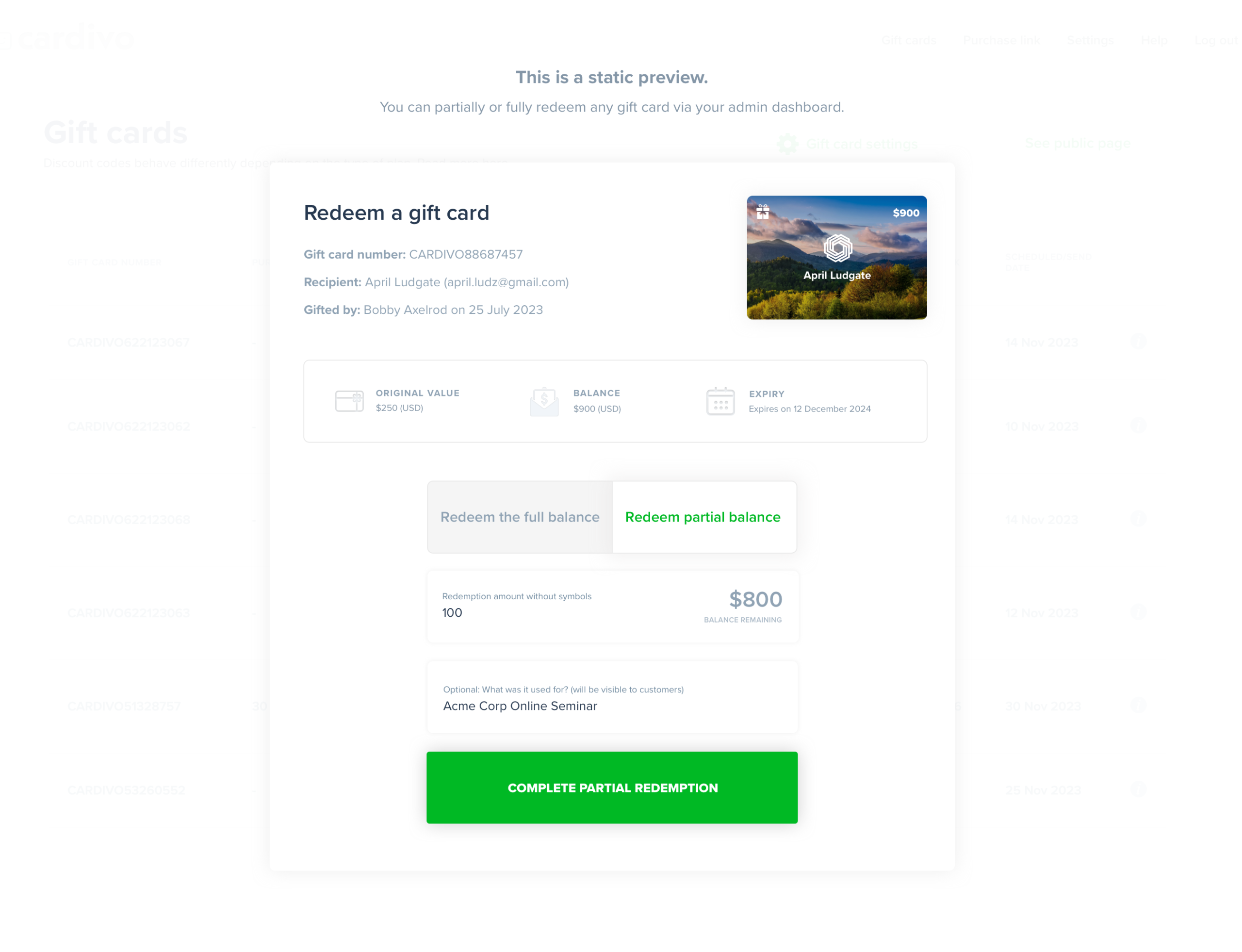
The trigger runs wherever a gift card redemption happens on any of your sales channels – on your Shopify or WooCommerce store, through Stripe checkout pages and subscriptions, on Eventbrite, on your payment plans, through our redemption API, or when you redeem a gift card manually from your Cardivo dashboard.
A few ideas to get started
- Post a message in Slack or teams when a gift card is used, with the amount redeemed and the balance left
- Add each redemption to a Google Sheet to make reconciliation and bookkeeping easier
- Update the customer’s record in your CRM or email marketing tool
- Send the recipient a follow-up after a partial redemption to let them know how much they still have to spend
- Thank customers for their purchase once a gift card is redeemed
What’s included
Each redemption sends the amount redeemed, the remaining balance, the original gift card value, the currency, the gift card number and a link to the gift card, whether it was a full or partial redemption, where it was redeemed, the recipient’s name and email, the redemption date and expiry date, and the order or payment ID from your store or Stripe where there is one.
How to set it up
In Zapier, create a new Zap, choose Cardivo as the trigger app and pick Gift Card Redeemed as the trigger event. Connect your Cardivo account, test the trigger, then add the action you want to happen in your other app.
Need help setting up a workflow? Just ask us via the chat icon 💬