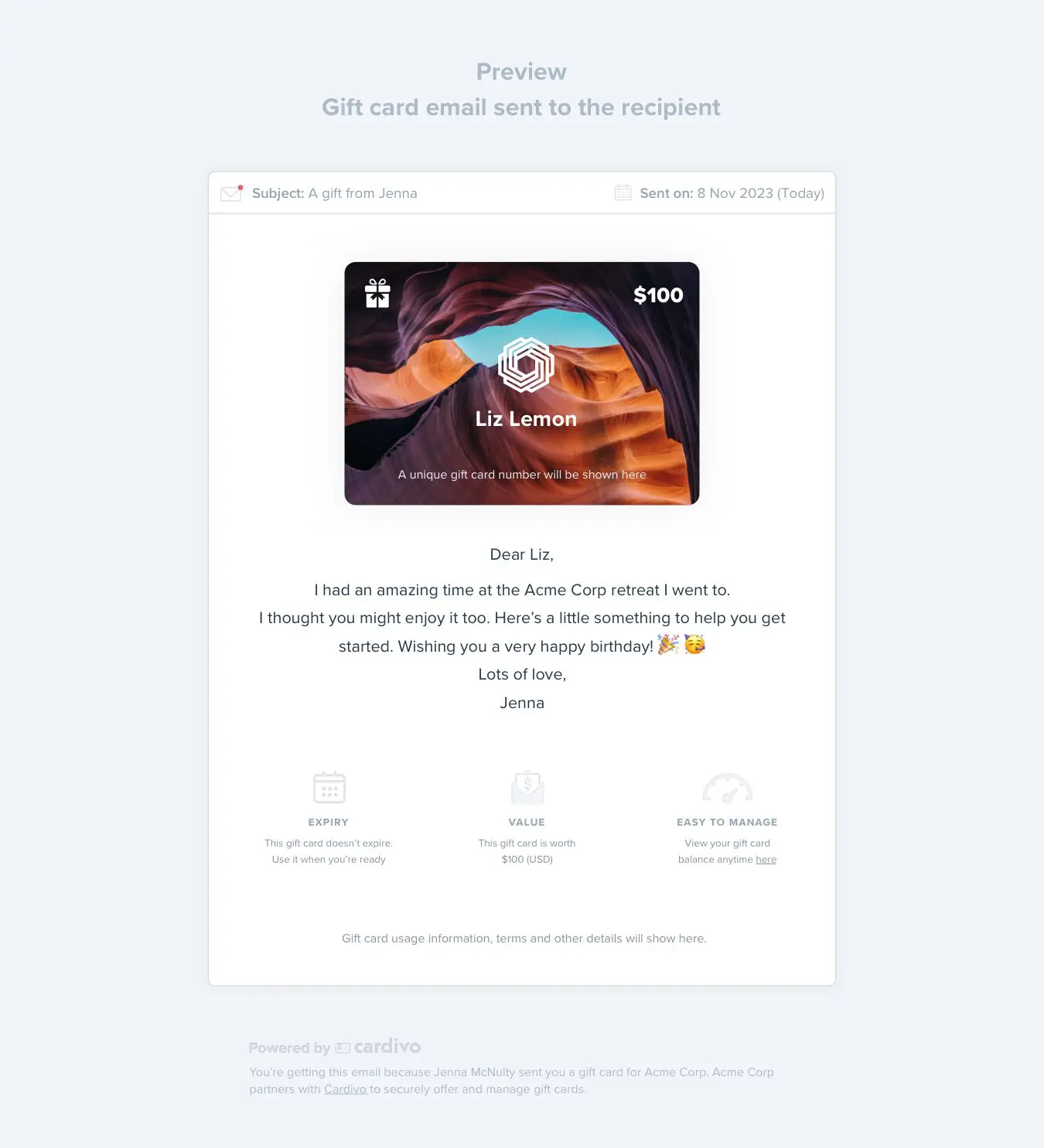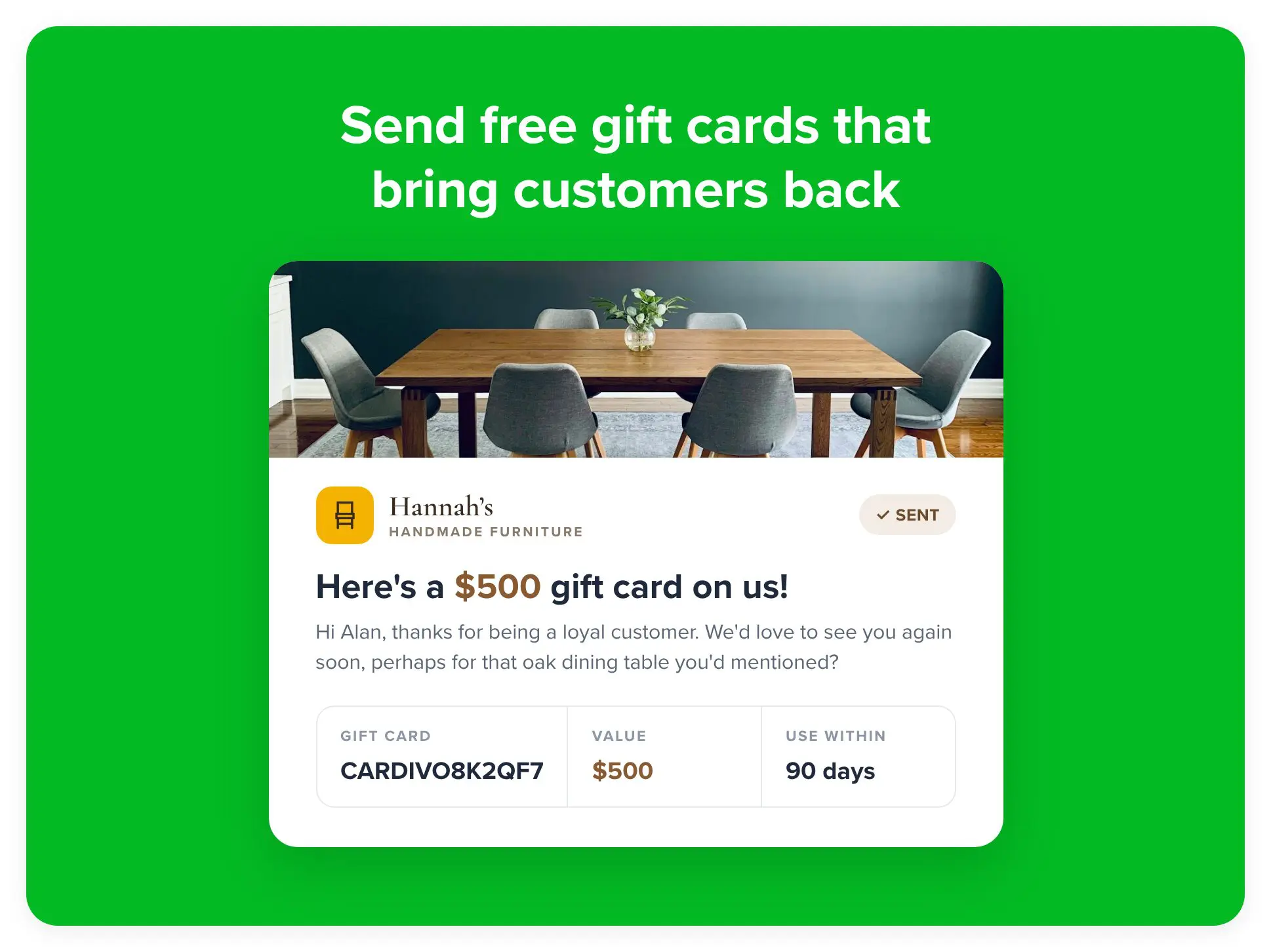
Complimentary Gift Cards in Cardivo add a whole new dimension to your gift card program. Turn gift cards into your secret weapon to drive repeat purchases, close prospective clients, reward loyalty, say sorry, happy birthday or just hello.
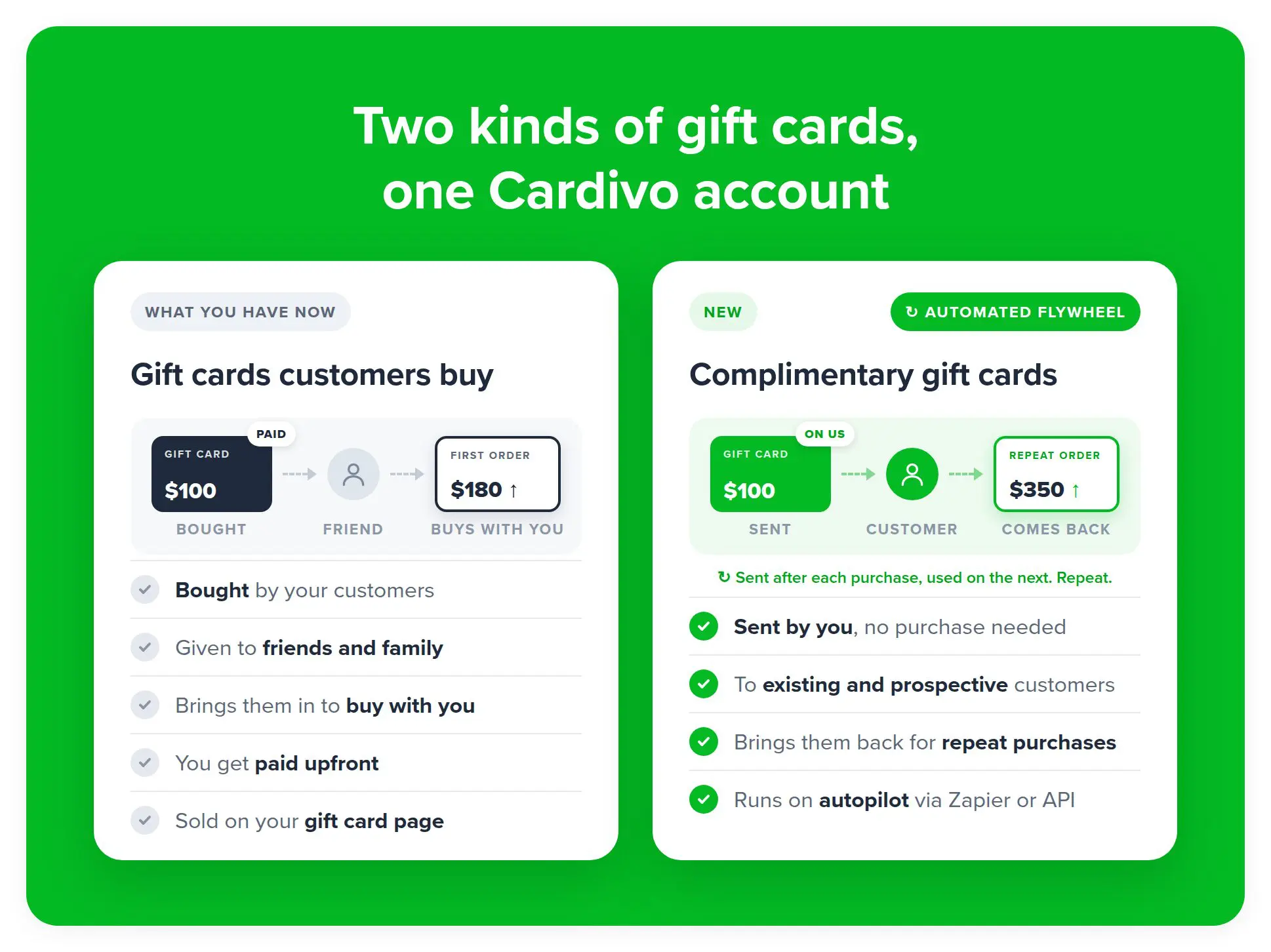
Till now Cardivo gift cards relied on your existing customers buying your gift cards to share with their friends and family – that remains unchanged. Complimentary gift cards add a new dimension by letting you send promotional gift cards of any value to anyone you want – all with nothing to pay until redemption. You only pay our fee (5%) if someone redeems their complimentary gift card for a purchase with you.
You can send gift cards manually via the dashboard, Zapier or our API once you have switched it on in your account.
For the most impact, set them up in automated workflows with our Zapier app or our free API. Built-in one-click automations via your Cardivo dashboard are also coming soon to make this even simpler.
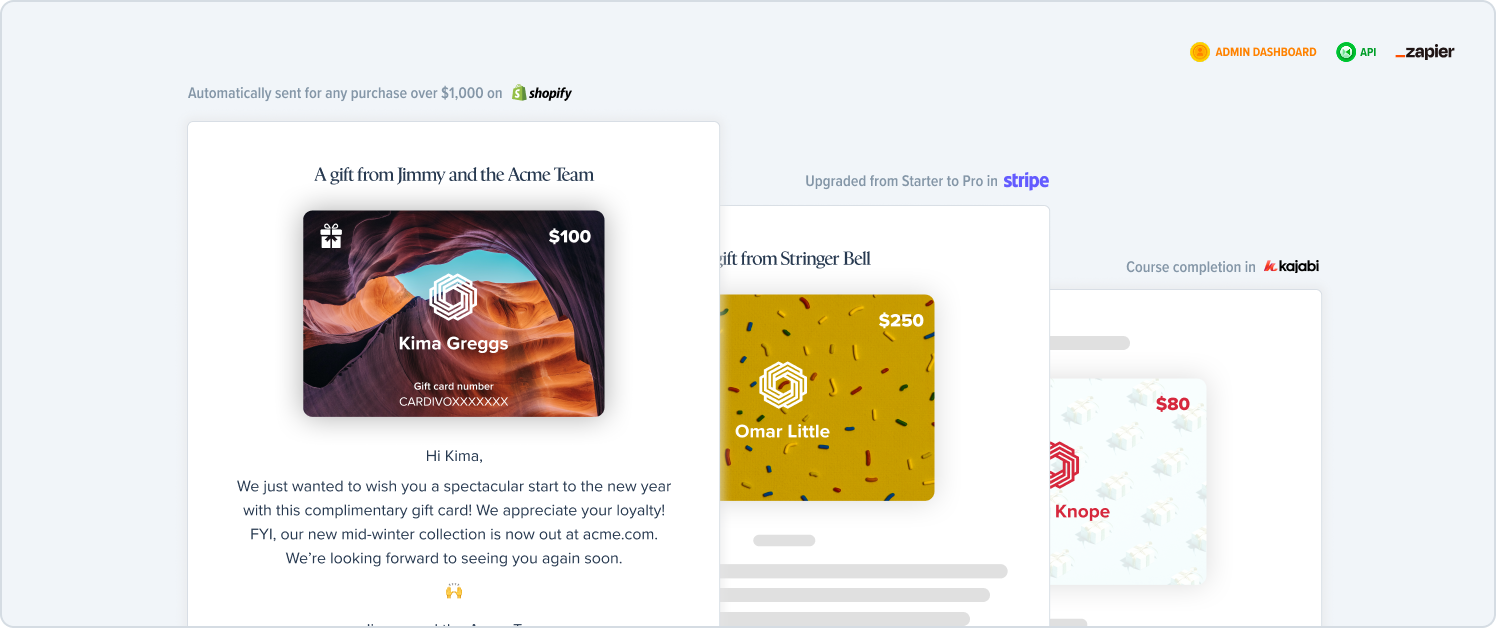
In the meantime, using our Zapier app, you can trigger complimentary gift cards to send for almost any workflow imaginable, some examples are:
- Send a gift card when a customers spends over $1,000 on Shopify.
- Send a gift card when a customer upgrades from the Starter to Pro plan in Stripe.
- Send a gift card after their 10th massage to say thanks.
- Send a gift card on their birthday based on data from your CRM.
- Send a gift card when a customer last purchased over 90 days ago in WooCommerce.
- Send a gift card redeemable towards a colour treatment when customers book a hair appointment
- Thank customers when they refer their friends or family to you based on a CRM field.
- Send a gift card buyer a complimentary gift card as thanks and to encourage them to buy from you again.
And much more!
How they’re different from the gift cards you sell today
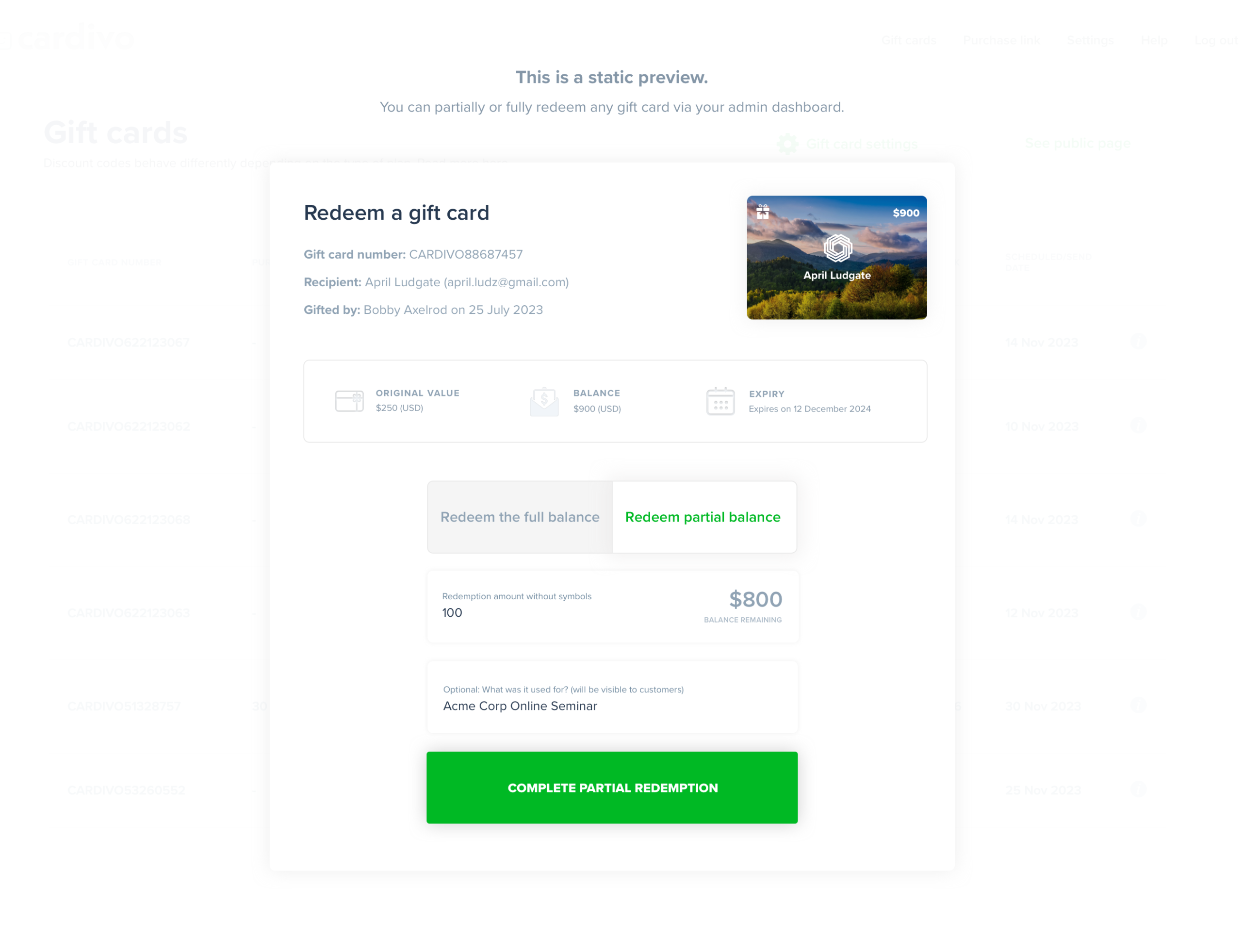
The gift cards you already sell with Cardivo are bought by your customers for their friends and family. Complimentary gift cards work the other way round. You send them to existing and prospective customers, to drive repeat or first-time purchases. They can be redeemed anywhere your standard gift cards are – or via your Cardivo dashboard.
If a complimentary gift card isn’t redeemed, you pay no fees. We only make money if we help you sell more.
Why they work
A customer who already knows and likes you is far easier to sell to than a stranger. A gift card with their name on it, from a business they know and like, gives them a real reason to come back now rather than someday. And because it’s a gift card rather than a discount code, it’s more personalized, more premium and feels like a present, not a sales pitch.
How can I send complimentary gift cards?
Send one from your Cardivo dashboard in under a minute, or put them on autopilot using Zapier or our API.
- Dashboard: Once you’ve switched them on via settings, go to Complimentary gift cards and click Send a complimentary gift card. Add your customer’s name and email, the amount and a personal note, pick a design, then send it immediately or schedule it for later.
- Zapier: use the Create and send a complimentary gift card action to send a gift card from Shopify, WooCommerce, your CRM, Google Sheets, a form or thousands of other apps.
- API: send gift cards from your own app, website or booking system.
- Built in automations (coming soon): Toggle on various automated workflows with one-click straight from your Cardivo dashboard.
The Complimentary gift cards dashboard shows how many you’ve sent, how many turned into a sale, and the value redeemed, so you can see exactly what they bring in.
What it costs
There’s nothing to pay when you send a complimentary gift card and no monthly fee. You only pay our 5% fee on the value your customer redeems, charged to the payment card you save in Cardivo (minimum fee US$0.50). If your customer uses $100 of a $100 gift card, you pay $5. If they never use it, you pay nothing.
How to turn it on
Go to Settings > Send gift cards, switch on Complimentary gift cards and add a payment card – this is not charged unless a complimentary gift card is redeemed. You’ll see a new menu option called Complimentary gift cards. You can set some defaults and begin sending your complimentary gift cards from there.